
All 24 industry reel generators
AI video generator for podcasters
Publishing the episode is half the job; persuading a stranger to press play is the other half, and it is the half that never gets a production budget. That second half is where an AI video generator for podcasters fits. Type the question your new episode answers — one line — and ReelSeconds returns a finished 9:16 teaser: an on-screen hook, a narrated setup, generated footage underneath, captions timed to each spoken word, and a closing call to action pointing listeners at the show.
Be clear about the shape of the thing: this makes a teaser around the episode, not a clip of it. It never touches your audio files, your RSS feed or your recording — the narration is a synthetic voice posing the question and promising the answer, and the visuals are generated b-roll matched to the topic's mood. For shows that have no video component at all, that is precisely the gap: promotion that exists independently of whether a camera was ever in the room.
Make a podcasters reel nowYou get 20 free credits at sign-up — teasers for your next two episodes, no card attached.
The episode is finished; the audience still has to be fetched
Every release day carries a hidden second workload. The audio is edited, the notes are written, the feed updates — and then comes the part nobody planned for: something visual for Instagram, something for TikTok, something for Shorts, because that is where new listeners actually are. Audio-only shows have nothing to cut from. Video podcasts have hours of material and no hours left to search it. Either way, the promotional asset becomes the bottleneck, and the most common resolution is a static cover-art square with an episode title on it — the least clickable object on any feed.
The teaser economics are worth stating plainly. A reel costs 10 credits and a few minutes of machine time; a manually produced promo clip costs an evening of scrubbing timelines, captioning and reformatting to vertical. When promotion is that expensive, it happens once per episode at best, always on release day, always in the same format. When it costs a typed sentence, you can tease the same episode twice with two different framings, revive something from the back catalogue on a slow week, and announce a guest the day the booking is confirmed rather than the day you find time.
None of this asks the host to become a video person, which is the quiet failure mode of most podcast-promotion advice. There is no timeline to learn, no template library to fight, no aspect-ratio wrangling and no export settings to second-guess at midnight before a release. The unit of work is the same unit podcasters already produce naturally: a sharp question. If you can write the line that would make you tap on someone else's episode in a crowded feed, you have already done the hard part of the reel — the pipeline exists to do the rest.

A teaser built around the episode, not cut from it
This section is the honest one, so read it before spending credits. ReelSeconds does not ingest your episode. It cannot pull your best quote, it makes no audiograms, it will not lift the moment your guest said the unrepeatable thing. If clip-driven promotion is what your show needs — real voices, real crosstalk, the actual laugh — you want a clipping workflow and your own recordings, and this is the wrong tool. What it replaces is not the clip; it is the promo you currently skip because there was nothing to cut or no time to cut it.
The same honesty applies to faces. The generated footage will not show your actual guest, and it should not try: a synthetic likeness of a real person is exactly the kind of shortcut that costs a show its credibility. A guest-announcement reel works differently here — the narration names the guest and frames why the conversation matters, while the footage carries atmosphere: a studio desk, city light, an abstract texture that fits the show's register. Names are spoken; likenesses are not simulated.
What remains is the teaser's oldest trick, done cheaply: pose the question, withhold the answer. "Why do most indie games die in month two?" is a complete brief on its own. The hook puts the question on screen for the silent scroller, the narration sharpens the stakes for anyone with the sound on, and the closing line sends the viewer to the episode for the payoff. Notice what is not needed: no summary of the episode, no highlight, no attempt to compress forty minutes into fifteen seconds. The reel's only job is to open a loop of curiosity; the episode itself is what closes it.
Where an AI video generator for podcasters earns its slot
Slot it into the weekly rhythm at the points where visual assets currently fail to exist. The panel on this page is preset for podcast briefs, so the first test can be your actual next episode rather than an invented example. A 15-second teaser runs 10 credits; switching the visual base to HD via Kling runs 25, and stretching to the 30-second cap adds 10 — though for teasers, shorter is almost always the better instinct, since the reel only has to open a loop the episode will close.
Three recurring uses cover most shows, and they compound quietly: a feed that reliably shows something vertical for every episode reads as an active, cared-for show both to platform algorithms and to the humans deciding whether you are worth a follow. A show that surfaces only when a new episode drops is easy to forget between drops; one that also revives its archive and announces its bookings stays present. The reels themselves are 9:16 MP4s with captions burned onto the real word timings, so they hold up with the sound off — an ironic necessity when the product being sold is audio.
- The release-day tease. One line: the question the episode answers, plus where to find it. Post it the hour the episode drops, while the feed placement is still worth having.
- The guest announcement. Name the guest, frame the one thing they know that your audience does not. Atmosphere footage, spoken name, no simulated faces — the booking becomes content the day it is confirmed.
- The back-catalogue revival. Old episodes answer questions new followers never saw asked. A fresh teaser pointed at a two-year-old episode costs the same 10 credits as one for this week's.
More reels from the same pipeline
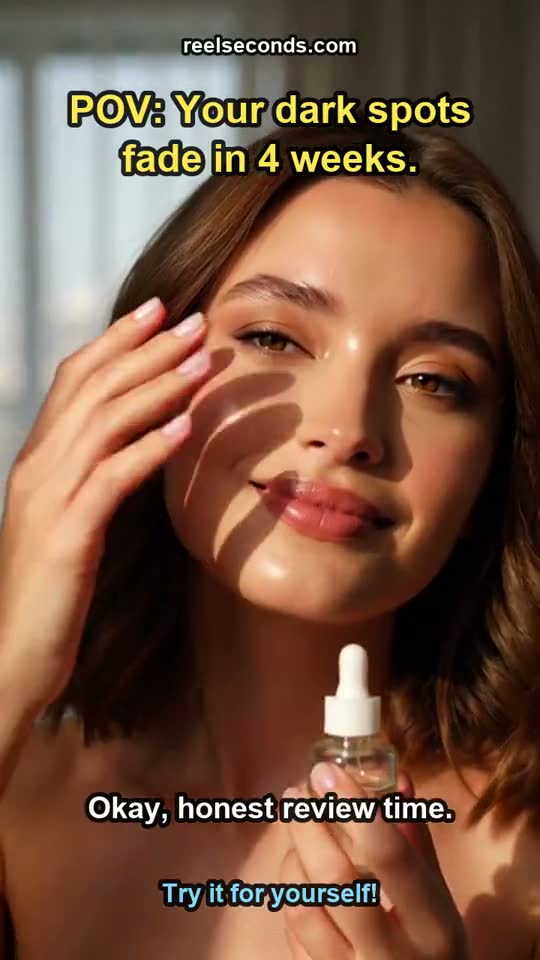
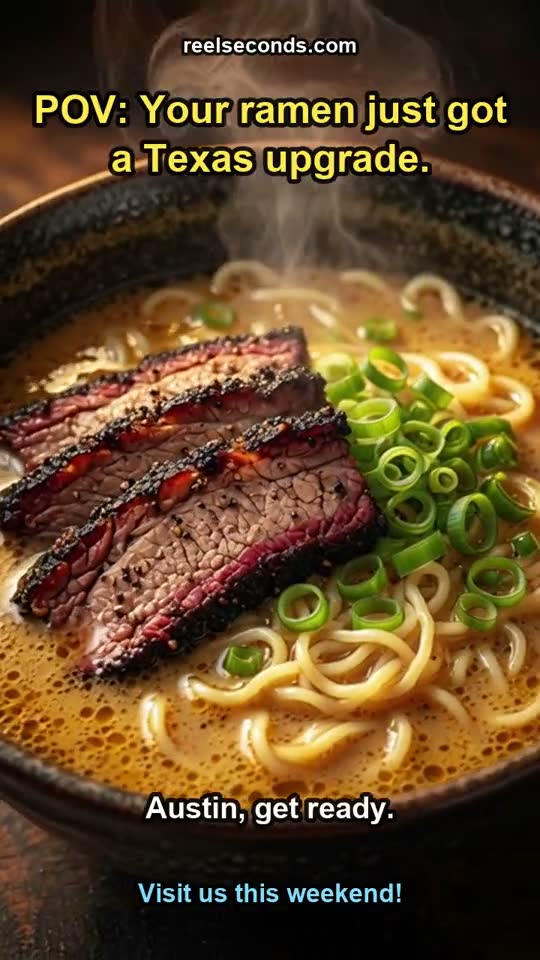
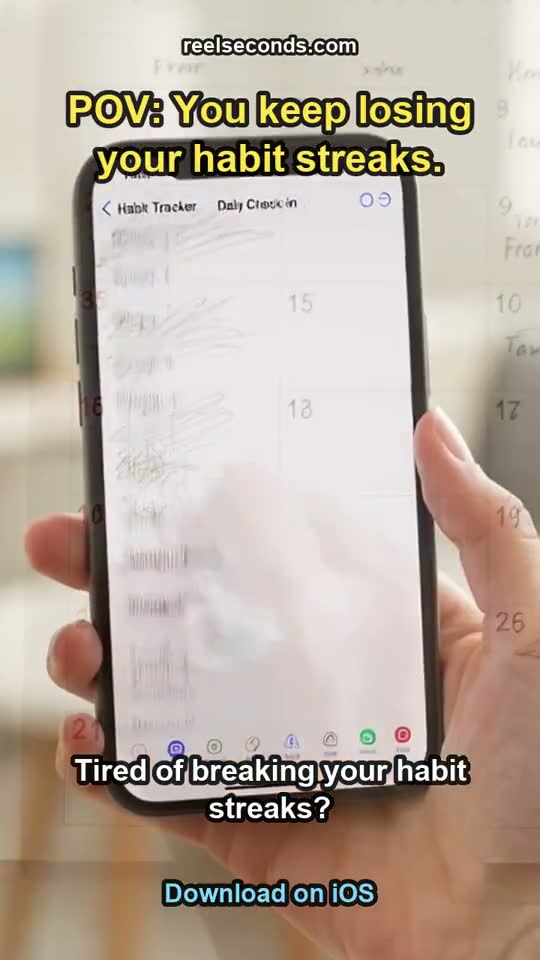
The exact studio behind this page also made these — different topics, one workflow. Each is a real generation, labelled with the prompt topic it came from.
One line about the episode, five stages to a teaser
- 01
Brief it with the question, not the title
Episode titles describe; questions pull. "What actually happens to your data when an app dies?" gives the pipeline a loop to open. Add the show name and where to listen so the closing line has a destination.
- 02
Hook for the eyes, script for the ears
The script stage writes three separate artifacts: an on-screen hook that is never voiced, a narration that is never displayed, and a visual prompt for the footage model. The separation is why the read never sounds like someone reciting captions.
- 03
Cast a narrator that matches the show
Jackson reads energetic, Michael reads calm, Candy reads warm. The voiceover is recorded with word-level timestamps — the raw material the caption pass will lock onto later.
- 04
Footage is generated for the topic's mood
AI text-to-video renders continuous 9:16 b-roll from the visual prompt in one to three minutes. It sets atmosphere for the question; it is not, and does not pretend to be, material from your recording.
- 05
The tab you are in does the final cut
Assembly runs in your browser: captions burned in on the true timings, hook overlaid, closing call to action appended, audio muxed. Under a minute later, a 9:16 MP4 is in your downloads, ready for release day.
Straight answers for show runners
- Does it pull audio or clips from my actual episodes?
- No. Nothing from your feed, files or recordings is read or used. The narration is a synthetic voice written for the teaser, and the footage is generated from a text prompt. If your promotion strategy depends on real episode moments — actual quotes, actual voices — use a clipping tool on your own media; this exists for the promos that otherwise would not get made at all.
- My show is audio-only. Do I need any video or photos to start?
- None. That absence is the core use case: an AI video generator for podcasters produces the entire visual layer — footage, captions, hook, voiceover — from one typed line, so a show that has never owned a camera can still put native vertical video on Reels, TikTok and Shorts. The honest corollary is that the visuals are generated b-roll, not scenes from your studio.
- What does each teaser cost me in credits?
- A standard 15-second teaser costs 10 credits. The HD visual base on Kling costs 25, and extending to the 30-second maximum adds another 10. Failed runs refund automatically, so a bad generation does not burn the budget. The 20 free credits at sign-up cover roughly two teasers — one release-day test and one back-catalogue experiment, say.
- Can I realistically make one in the gap between export and publish?
- Yes, comfortably. The footage render takes one to three minutes and the in-browser assembly finishes in under a minute for a 15-second reel, so the whole run fits inside the time your episode spends uploading. The assembly step prefers a reasonably modern computer — it works on phones but runs slower, which matters if release day happens away from your desk.
- Is the watermark a problem for a show with sponsors?
- Free-tier reels carry a small reelseconds.com watermark, which is fine while you test whether teasers move your numbers. Once the reels sit next to sponsor reads and brand deals, move to a paid plan: exports come clean and include a commercial licence, so there is no ambiguity about using them in monetised promotion for the show.
- What formats and platforms does the output cover?
- One file covers the set: a native 9:16 vertical MP4 that Instagram Reels, TikTok and YouTube Shorts accept as-is, and that also fits vertical paid placements if you ever put spend behind an episode. Captions are burned in on word-level timings, so the tease still lands for the large share of viewers scrolling in silence.

Start free, upgrade when it pays off
Every account starts with 20 free credits — about two podcasters reels, no card required. A standard reel is 10 credits; paid plans run $9.99 Starter to $79 Studio. See the full pricing table.
Sign up free & make a podcasters reelExplore by industry
More industry reel generators
 Dental practices
AI Video Generator for Dental Practices
Patient-education and practice reels for dentists
Open Hair salons
AI Video Generator for Hair Salons
Booking-driven trend and stylist reels for salons
Open Travel agencies
AI Video Generator for Travel Agencies
Destination-mood and seasonal-offer reels for travel sellers
OpenMore industries
- AI Video Generator for Real Estate Listings
- UGC Ads for Skincare Brands
- AI Video Ads for Mobile Apps
- AI Video Generator for Restaurants
- AI Video Generator for Course Creators
- AI Video Generator for Fitness Coaches
- AI Video Ads for Shopify Stores
- AI Video Generator for Etsy Sellers
- AI Video Generator for Law Firms
- AI Video Generator for Nonprofits
- AI Video Ads for Saas Startups
- AI Video Generator for Jewelry Brands
- AI Video Generator for Coffee Shops
- AI Video Generator for Car Dealerships
- AI Video Ads for Pet Brands
- UGC Ads for Supplement Brands
- AI Video Generator for Wedding Photographers
- AI Video Generator for Fashion Brands
- AI Video Generator for Home Service Businesses
- AI Video Ads for Dropshipping Products