An AI video generator turns a written scene into a finished clip — no camera, no edit suite. ReelSeconds is the multi-model version of that idea: one prompt box, one credit balance, and a Model Routing selector that hands your prompt to whichever engine you choose. Kling 2.6 renders 1080p video today, with Sora 2, Veo 3 and Seedance 2.0 slotting into the same studio as they wire in. Because a render is cheap and fast, the workflow is built around iteration — generate a few openers from one idea, watch them back to back, and ship the one that stops the scroll.
Why generate video here
One prompt, many models
Describe the shot once and the studio routes it to whichever video model you pick. Kling 2.6 renders 1080p today; Sora 2, Veo 3 and Seedance 2.0 slot into the same Model Routing selector as their endpoints land. You are not locked to one vendor or one look — the prompt box, credit balance and export stay identical while the engine underneath changes.
Text-to-video and image-to-video
Start from words or from a frame. Text-to-video turns a written scene into motion; image-to-video takes a hero still you already have and animates it while keeping the subject stable. The controls only ever show what the active model actually supports, so you never guess whether a knob will do anything.
Built vertical for the feed
Choose 9:16 for TikTok, Reels and Shorts, 16:9 for landscape, or 1:1 for square posts. A 9:16 render fills the phone edge to edge and reads as native content instead of a cropped-down landscape clip. The composition is sized for the format from the first frame, so the hook stays readable at thumbnail size.
Cheap enough to iterate
Each 5- or 10-second run costs a flat credit amount shown on the Create button before you commit, and failed runs refund automatically. That predictability changes how you work: instead of agonising over one perfect prompt, you generate several openers, watch them back to back and keep the strongest. Twenty free sign-up credits mean the first clip can cost nothing.
How to generate a video
- 1
Describe the shot
Type one clear scene — a single subject and a single action reads far better than a crowded description. Front-load the visual hook so the first two seconds carry the clip.
- 2
Pick the model and format
Choose Kling 2.6 (live today) in Model Routing and set the aspect ratio — 9:16 for short-form, 16:9 for landscape, 1:1 for square. The credit cost updates on the Create button as you change duration.
- 3
Generate and review
Run it. Because a render is cheap and fast, generate a few variations of the same idea and compare them side by side rather than betting everything on one attempt.
- 4
Download or remix
Download the 1080p MP4 and post it, or remix a clip from the Inspirations rail with its prompt pre-filled to spin a variation. Watermark-free export unlocks on paid plans.

What people generate
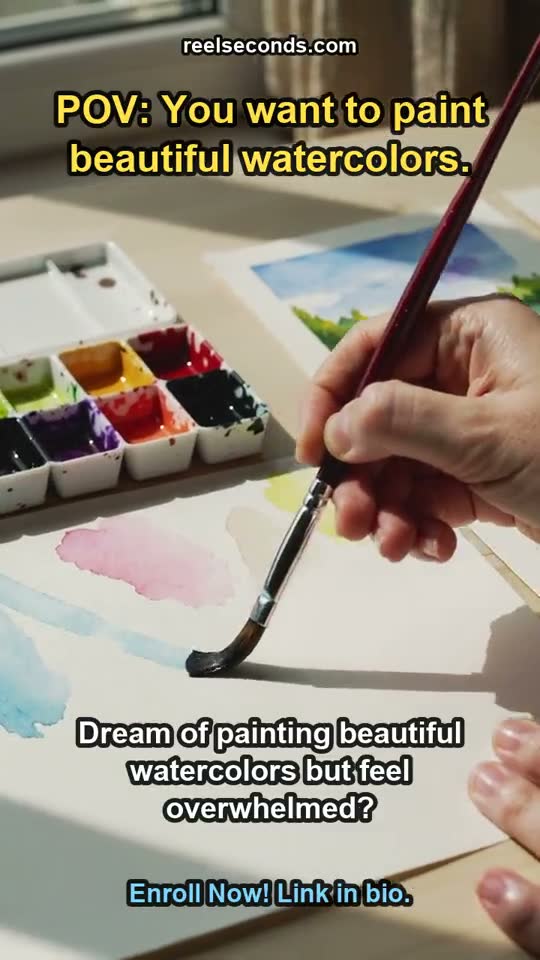
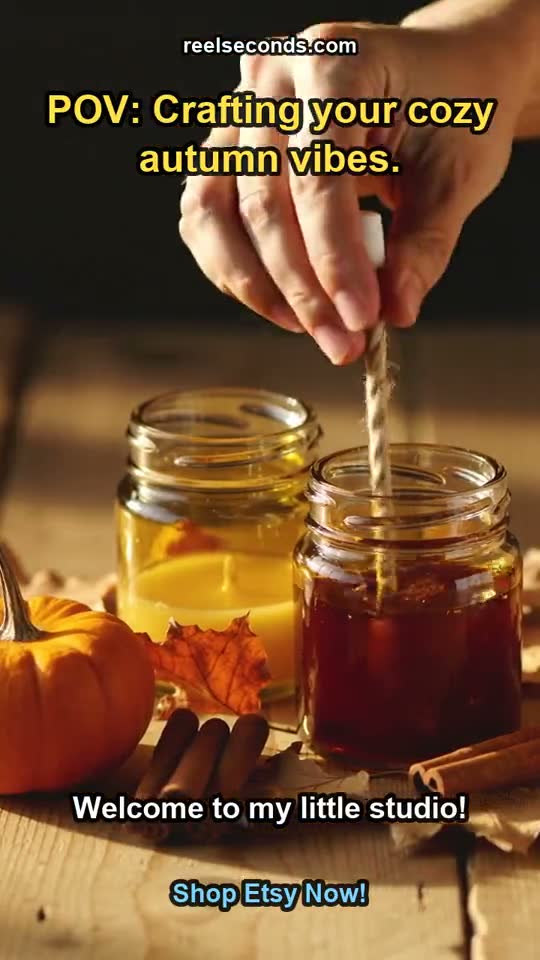
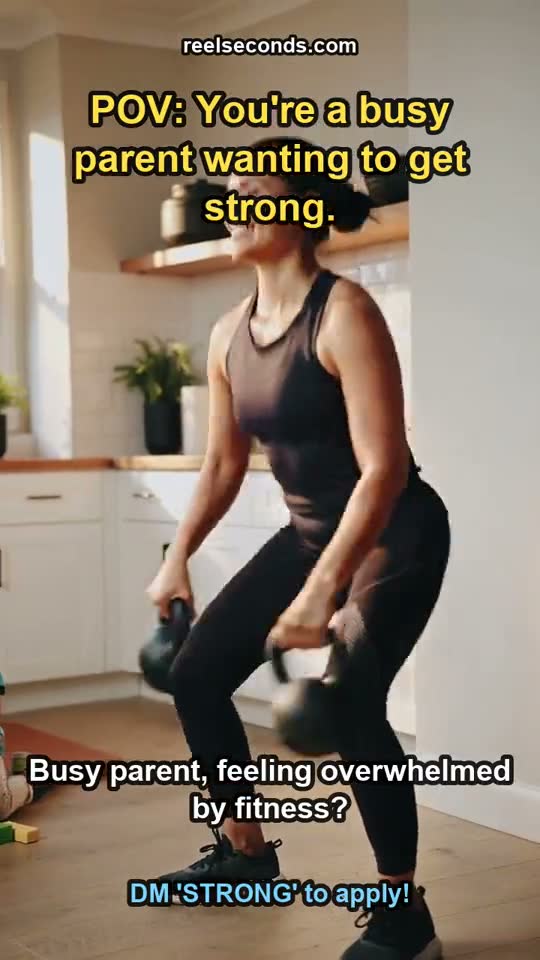
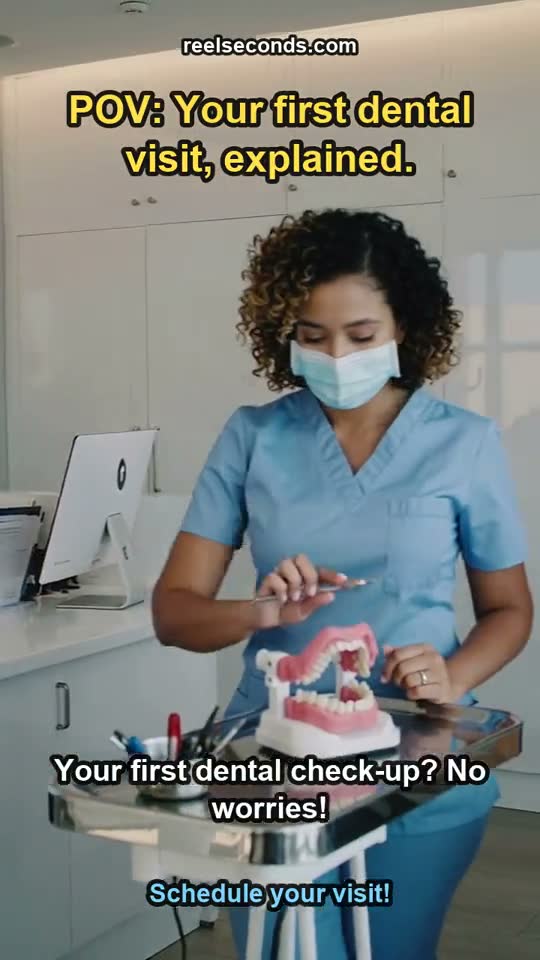
Product and brand launches
A limited drop or a seasonal launch gets a moving asset for the feed without a shoot — a reveal reel from a single prompt, ready to post the same day.
Social ads and hooks
Generate several openers for one campaign, A/B the hooks, and scale the winner. At a flat credit price per run, testing variations is a budgeting call rather than a gamble.
Faceless and volume channels
Channels that post daily care about cost per usable clip. A predictable credit price per generation keeps a consistent cadence financially boring — exactly what a pipeline wants.
Animating a hero still
Already have a strong composition? Image-to-video animates it with subtle, controlled motion so a static key visual becomes a scroll-stopping clip without redrawing the frame.
Model specifications
| Models | Kling 2.6 live · Sora 2, Veo 3, Seedance 2.0 routing in |
|---|---|
| Modes | Text-to-video and image-to-video |
| Resolution | Native 1080p |
| Durations | 5s or 10s per run |
| Aspect ratios | 9:16, 16:9 and 1:1 (per model support) |
| Export | MP4 · watermark-free on paid plans |
| Free to start | 20 credits on sign-up |
Good to know
Do I have to commit to one model? No. Model Routing lets you switch engines per run on the same balance — pick Kling 2.6 today, and Sora 2, Veo 3 or Seedance 2.0 the moment they wire in, without changing anything else about your workflow.
How are credits charged? Per generation, at a rate shown on the Create button before you run. Longer clips and higher-tier models cost more, and any run that fails is refunded automatically, so a bad generation never burns your balance.
What happens to coming-soon models? They appear in the selector as honest placeholders and switch to live generation the instant their endpoints land — you do not need a new account, a new tool or a migration; the studio simply gains the model.
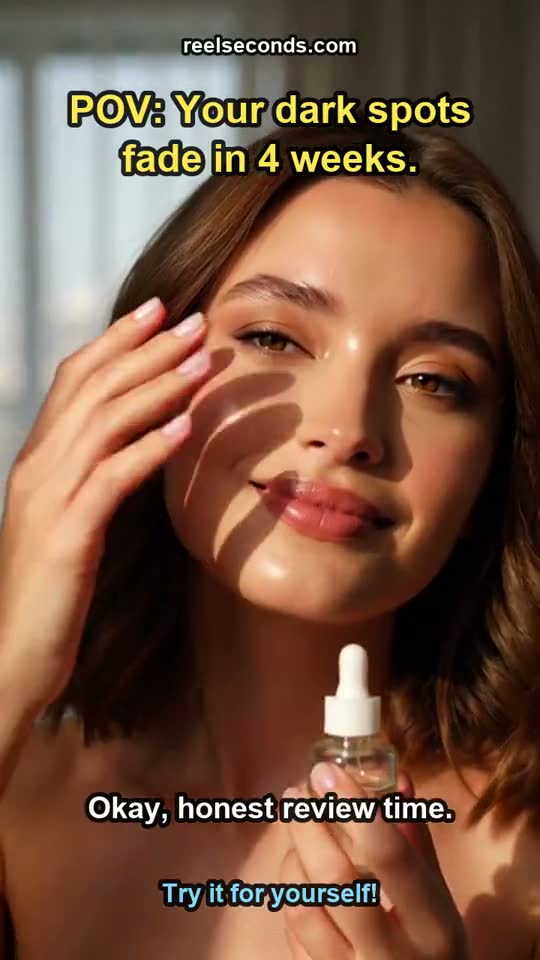
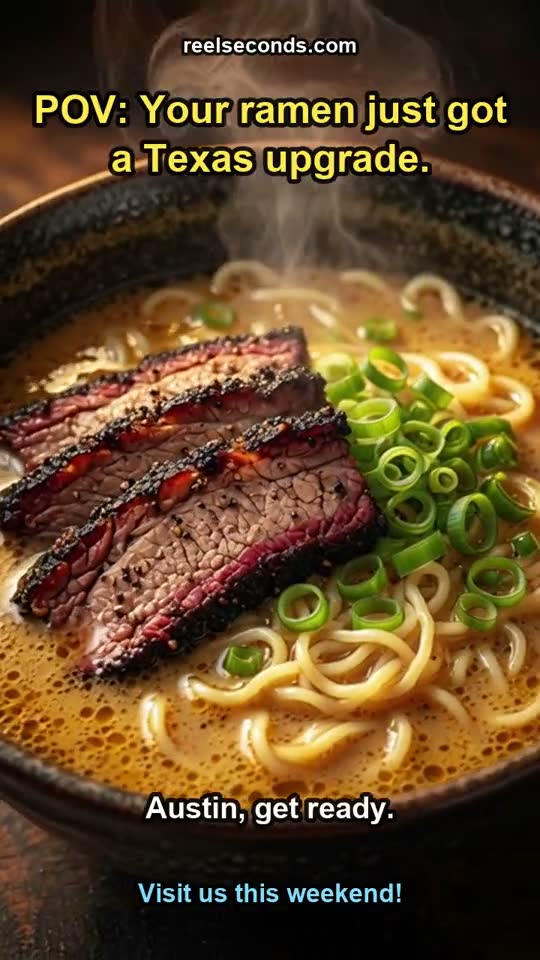
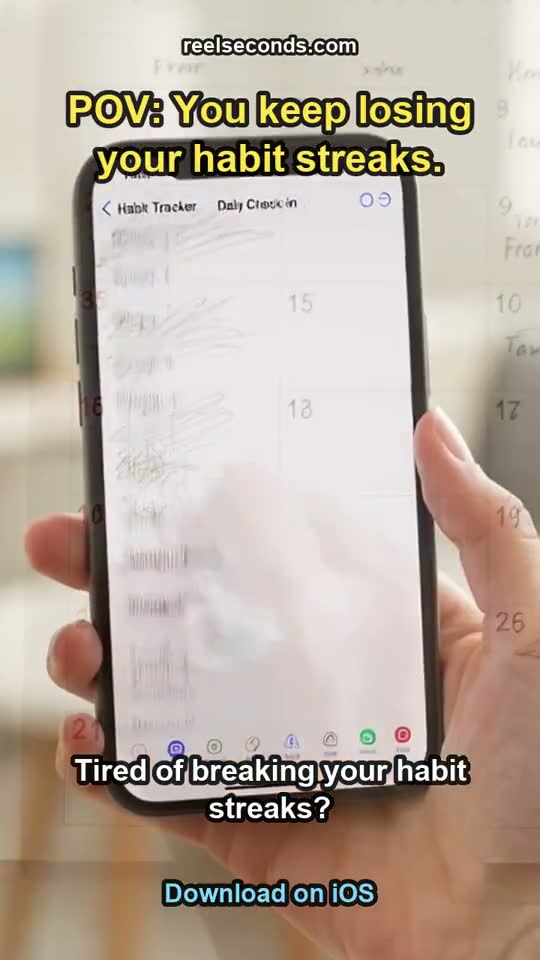
Are the clips really generated here? Yes. Every reel shown on this page is a genuine pipeline output labelled with the topic it was made from — never stock and never a mockup. The clips you generate are yours to post, remix or download.
Can I keep captions and a hook? The reel format bakes a written on-screen hook and caption lines into the output, so a clip is post-ready rather than raw footage you still have to edit before it works in a feed.
A short video is a few seconds of bet on attention, and the only reliable way to win it is to try several. Stage a prompt in the studio above, pick a model and a format, and let the studio render the clip you can post today.