
All 24 industry reel generators
AI video ads for mobile apps
ReelSeconds builds AI video ads for mobile apps out of a single line of brief. Say what the app does and who opens it, and the pipeline writes the on-screen hook, the spoken narration and the closing ask, records a voice, generates vertical footage and burns the captions in on the voice’s own word-level timings. What you get back is a 9:16 MP4 in your downloads folder, ready for Reels, TikTok, Shorts or a paid social ad set.
The reel playing here came out of exactly that flow. It runs 16.8 seconds, cost 10 credits, and no one opened a timeline afterwards. For user acquisition that detail is the whole point: the bottleneck in mobile growth is almost never the idea for an ad, it is how many finished files you can hand an auction this week.
Make a mobile apps reel now20 free credits on sign-up — about two ad variants. No card, no editor, no agency retainer.
Paid UA runs out of creative before it runs out of budget
Anyone who has managed an app install campaign knows the shape of the curve. A new ad enters the auction, finds an audience it fits, performs, and then quietly stops — not because the offer changed but because the same people have now seen it four times and their thumbs have learned to skip it. Frequency climbs, the algorithm keeps serving it because it has nothing better, and cost per install drifts upward while you refresh the dashboard hoping the trend reverses. It does not. The creative is simply used up.
The remedy every performance team lands on is volume: keep a queue of fresh variants and rotate before fatigue sets in rather than after. The problem is that volume is expensive in exactly the way a small app team cannot afford. A freelance editor turns a brief into a finished vertical ad in days, not hours. An in-house designer who also owns the app store screenshots, the onboarding illustrations and the seasonal icon is not going to produce eight ad variants this sprint. So the queue never fills, one tired ad keeps running, and the account slowly gets worse at a rate nobody can point to in a single meeting.
AI video ads for mobile apps are only worth anything if they attack that specific number — finished files per week. Handing you a script leaves the whole production problem intact. Handing you loose clips leaves you with the voiceover, the captions and the export. This pipeline stops at a downloadable file with the captions already burned in, which is the only stage at which a variant actually becomes something you can put in an ad set.

What the generated footage shows — and what it does not
Be clear about this before you build a plan around it: the footage is generated from your description, not captured from your app. There is no screen-recording step, no simulator capture, no way for the model to know what your settings screen looks like. If you write a prompt describing a phone interface, you will get an invented interface — plausible-looking rectangles that belong to no product on earth. Shipping that as though it were your UI is both a bad ad and a defensible reason for a store or an ad network to take issue with you.
Used the way it is actually good, that limitation stops mattering. The most effective mobile ads have never been interface tours. They are about the moment before the app — the cluttered desk, the missed workout, the receipt pile, the language class you keep postponing — and the person on the other side of it. Generated b-roll is genuinely strong at that register: mood, situation, the human context your app sits inside. Let the visuals carry the feeling, let the voiceover and the burned-in captions carry the concrete claim, and put your real interface where it belongs, in the store listing and in a demo you capture yourself.
Written into a working rule, it comes out as three habits worth keeping.
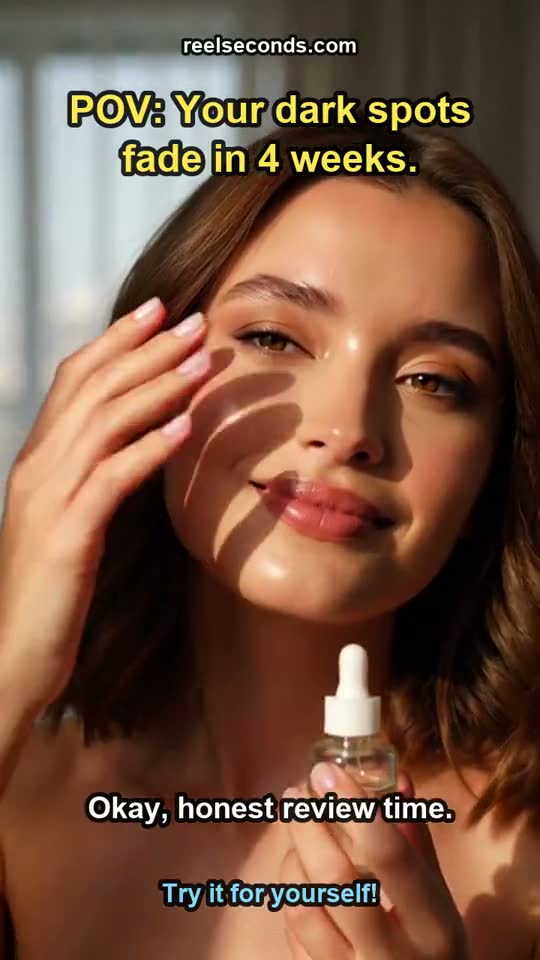
- Write the outcome, not the interface. Brief the situation and the result — "finally sleeping through the night", "expenses filed before Friday" — rather than asking for a shot of a screen the model has never seen.
- Never imply the invented UI is yours. If a frame reads as a product screenshot, cut that variant. Concept footage next to an honest claim is fine; fabricated interface passed off as a real one is not.
- Keep one real capture in rotation. For features that only make sense when seen — a gesture, a chart, a game loop — record it on a device yourself and run it alongside the generated variants.
Build an angle list, not one hero ad
The reason teams get stuck is that they treat the ad as a single artifact to be perfected. In a channel where distribution is decided in the first second and a half, the more useful unit is the angle: the reason this specific person should care, stated in the opening line. One app usually has six or seven honest angles, and which of them wins in the auction is not something anyone can reason out in advance. It has to be observed.
When a variant costs 10 credits and a few minutes rather than a day of someone’s attention, that changes what you are willing to test. You stop defending the ad you already made and start putting three openings against each other on the same benefit. Keep the closing ask fixed, keep the offer fixed, change only the first line, and let the numbers your existing attribution setup already reports tell you which framing survives. Producing AI video ads for mobile apps in batches is mostly valuable because it makes that discipline affordable.
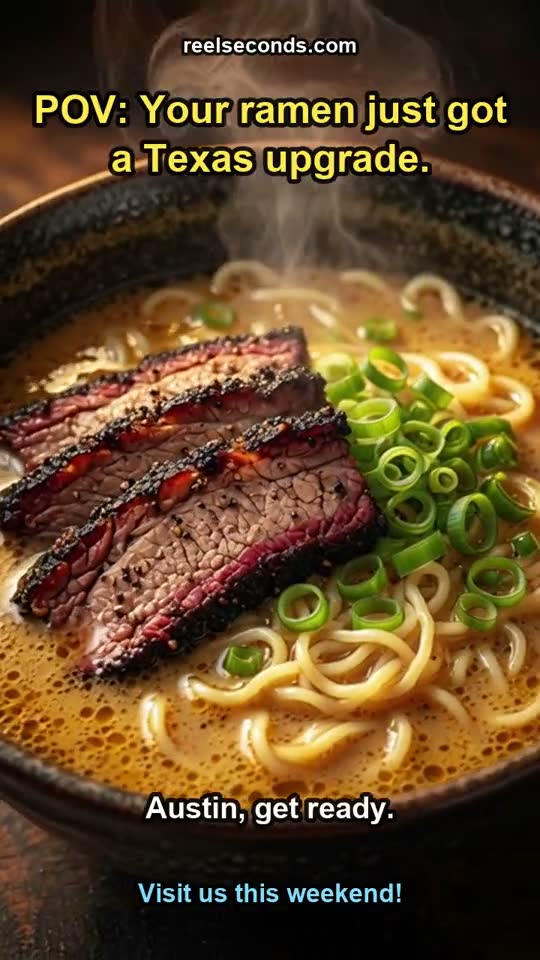
- Problem-first. Open on the frustration the user recognises before you name the app at all. Works well for utilities and anything replacing a manual habit.
- Audience-first. Name who it is for in the opening line — shift nurses, new dog owners, people learning a third language — so the wrong viewer scrolls and the right one stops.
- Moment-first. Anchor to an occasion: the Sunday reset, the first week of term, the flight with no signal. Seasonal angles are the cheapest thing to test and the fastest to go stale.
Where it sits in the rest of your stack
This is a creative supply tool and nothing more, which is worth saying plainly because a lot of adjacent products blur the line. There is no scheduler and no auto-posting, so nothing goes live without you uploading it. There is no timeline editor, no stock library and no team workspace. You describe, you generate, you download the MP4, and from there it moves into whatever you already use — the ad manager, the creative folder your media buyer works from, the organic account your community manager runs.
That narrowness is a reasonable fit for how mobile teams actually operate. Measurement already lives in your MMP and your ad platform, and neither is going to be replaced by a video tool. Naming conventions already exist. What is missing is upstream of all of it: enough finished variants to keep the rotation honest. Fill that, and the rest of the machinery you have built starts working the way it was supposed to.
The same files do double duty on organic. An app account posting three times a week needs material it cannot afford to commission, and a generated concept reel with captions is perfectly serviceable there — often it is where you spot a hook worth promoting before you spend anything on it.
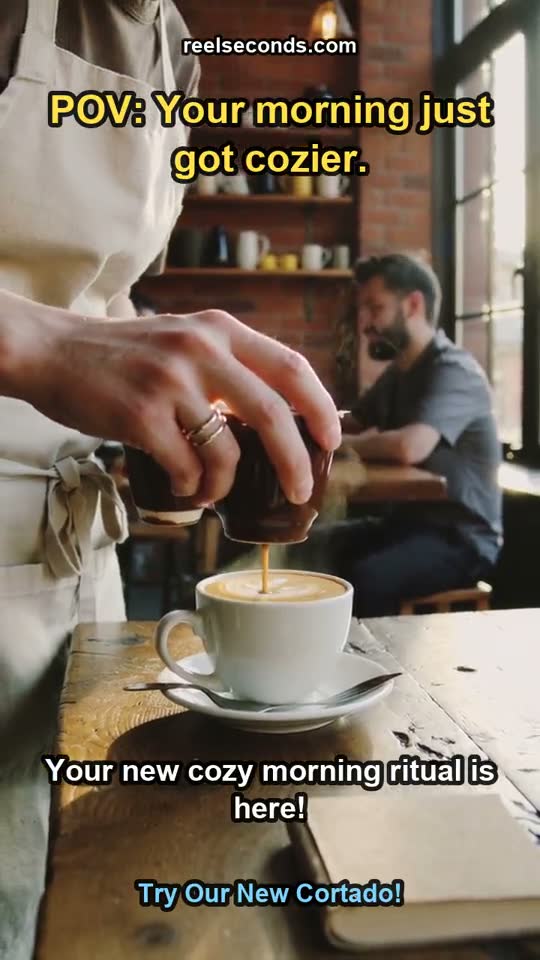
More reels from the same pipeline
The exact studio behind this page also made these — different topics, one workflow. Each is a real generation, labelled with the prompt topic it came from.
How to make AI video ads for mobile apps, step by step
- 01
Write the brief as one sentence
What the app does, who it is for, and the single benefit this variant argues for. Pick the mobile app template so the script stage frames it as an install ad rather than a general explainer.
- 02
Check the script before anything renders
You get back three separate pieces — the spoken narration, the on-screen hook, and the visual prompt. Read the hook first. If it would not stop you mid-scroll, change the brief and run it again rather than hoping the footage rescues it.
- 03
The voiceover records with word-level timings
The speech stage returns timestamps alongside the audio. That is what lets the captions sit exactly on the read instead of drifting, which matters on a platform where most first views are muted.
- 04
Vertical footage is generated from the visual prompt
Continuous 9:16 concept b-roll matched to the situation you described. It is not a capture of your app, so keep the prompt on the human moment rather than on screens.
- 05
Assembly burns in the captions, the hook and the mix
Captions ride the real timings, the hook sits in frame, the audio is mixed, and a 720x1280 MP4 lands in your downloads. Free-tier files carry a small watermark.
- 06
Take it to the ad set yourself
Upload the file to your ad platform or post it organically. Nothing publishes automatically — you keep the naming, the targeting and the launch decision entirely on your side.
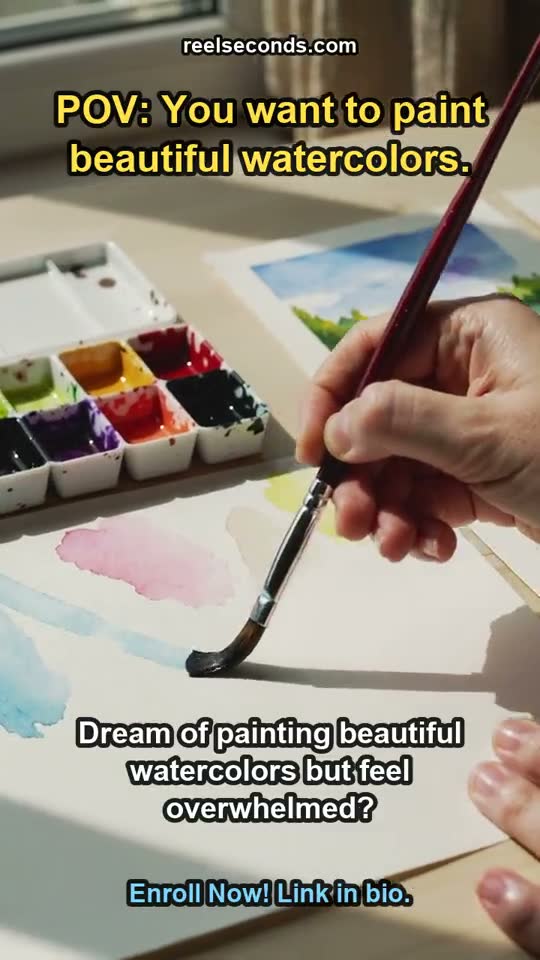
Questions from mobile growth teams
- Can it record my app screen?
- No. There is no screen-recording or simulator capture step anywhere in the pipeline, and adding a video of your app is not something the tool can do for you. The footage is generated from a text prompt, so build your ads around concept and benefit framing and keep real interface footage for captures you make yourself.
- How many variants can I realistically get out of a session?
- Each reel costs 10 credits and takes a few minutes, most of it spent waiting on the footage stage. In practice a marketer sits down with an angle list and comes away with a batch — the limiting factor is how many honest angles the app has, not the tool. New accounts start with 20 credits, which is about two reels, enough to see whether the output fits your account before you commit.
- Is a generated ad good enough for paid, or only organic?
- Both, with the same caveat: it competes on the hook and the clarity of the claim, not on production polish. AI video ads for mobile apps tend to work in the auction when the opening line is specific and the concept footage matches the situation being described. Where they lose is when the visuals are generic mood and the script never says anything a real user would recognise.
- Will the watermark be a problem for a paid campaign?
- Free-tier reels carry a small reelseconds.com mark in the frame, which is fine for testing an angle but not what you want on a branded campaign. Paid runs export clean. Most teams use the free credits to check fit, then move to clean exports before anything goes behind spend.
- Does it schedule or post the ads for me?
- No. There is no scheduling, no auto-posting and no ad-platform integration. You download the MP4 and upload it wherever it needs to go. That keeps the tool out of your account permissions and leaves campaign structure, budgets and naming under your control.
- Can I match it to our brand look?
- Partly. You control the wording of the hook, the narration and the call to action, and the visual prompt steers setting, mood and colour direction. What you do not get is a brand kit, logo overlays or a font system, because there is no editor stage. If a campaign needs exact brand furniture, treat the export as a base and add that pass in whatever tool you already use.

Start free, upgrade when it pays off
Every account starts with 20 free credits — about two mobile apps reels, no card required. A standard reel is 10 credits; paid plans run $9.99 Starter to $79 Studio. See the full pricing table.
Sign up free & make a mobile apps reelExplore by industry
More industry reel generators
 Dental practices
AI Video Generator for Dental Practices
Patient-education and practice reels for dentists
Open Hair salons
AI Video Generator for Hair Salons
Booking-driven trend and stylist reels for salons
Open Travel agencies
AI Video Generator for Travel Agencies
Destination-mood and seasonal-offer reels for travel sellers
OpenMore industries
- AI Video Generator for Real Estate Listings
- UGC Ads for Skincare Brands
- AI Video Generator for Restaurants
- AI Video Generator for Course Creators
- AI Video Generator for Fitness Coaches
- AI Video Ads for Shopify Stores
- AI Video Generator for Etsy Sellers
- AI Video Generator for Law Firms
- AI Video Generator for Nonprofits
- AI Video Generator for Podcasters
- AI Video Ads for Saas Startups
- AI Video Generator for Jewelry Brands
- AI Video Generator for Coffee Shops
- AI Video Generator for Car Dealerships
- AI Video Ads for Pet Brands
- UGC Ads for Supplement Brands
- AI Video Generator for Wedding Photographers
- AI Video Generator for Fashion Brands
- AI Video Generator for Home Service Businesses
- AI Video Ads for Dropshipping Products