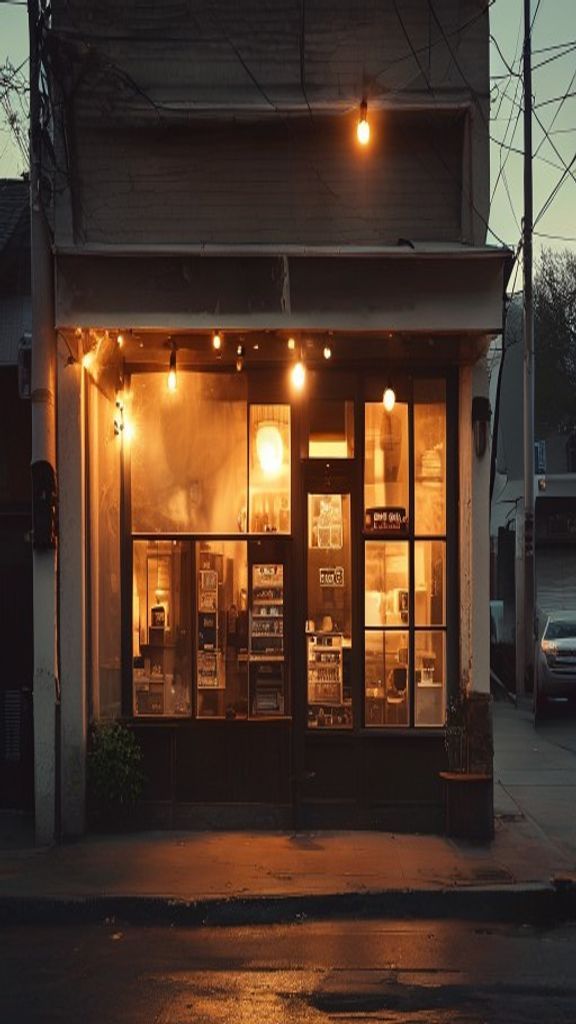
An AI image generator turns a written description into a finished picture. ReelSeconds is the multi-model version: one prompt box, one credit balance, and a Model Routing selector that hands your prompt to whichever engine fits the job. GPT Image 2 renders strong text and subject-preserving edits at up to 4K; Nano Banana is the fast, photoreal option. Text-to-image and image-to-image live in the same studio, and a still you generate can flow straight into the video studio as a start frame — because the whole thing runs on one balance.
Why generate images here
Two models, one prompt box
Model Routing puts GPT Image 2 and Nano Banana behind the same prompt. GPT Image 2 is the workhorse for text rendering, image-to-image and higher resolutions; Nano Banana is the fast, photoreal option for quick passes. You pick per run on one balance — no separate tools, no re-learning the controls when you switch.
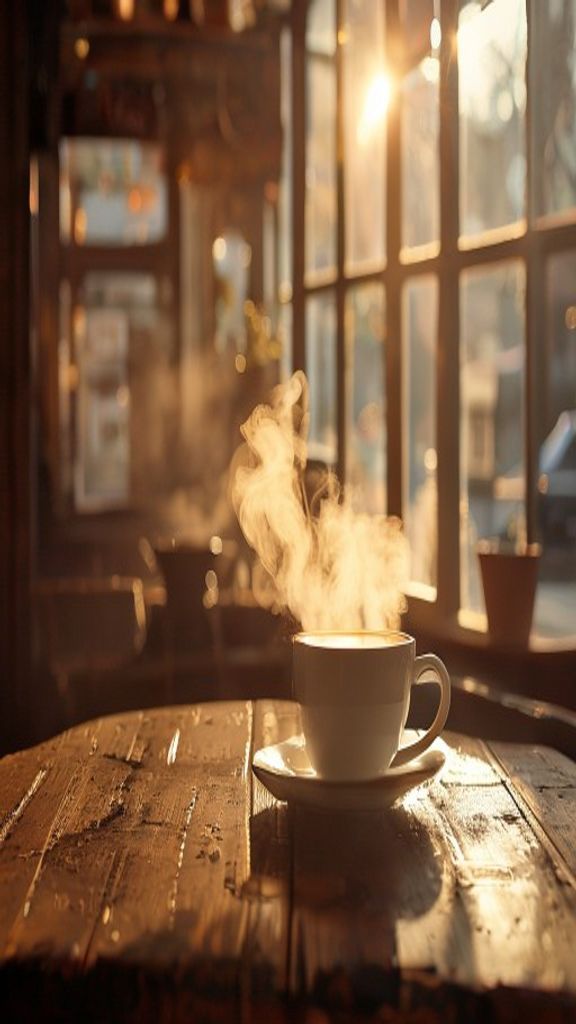
Text-to-image and image-to-image
Generate from a description, or drop in a source image and describe the change. Image-to-image preserves the subject while applying your transformation prompt, so you can restyle, recolour or extend a shot you already have instead of starting from scratch. The controls surface only what the active model supports.
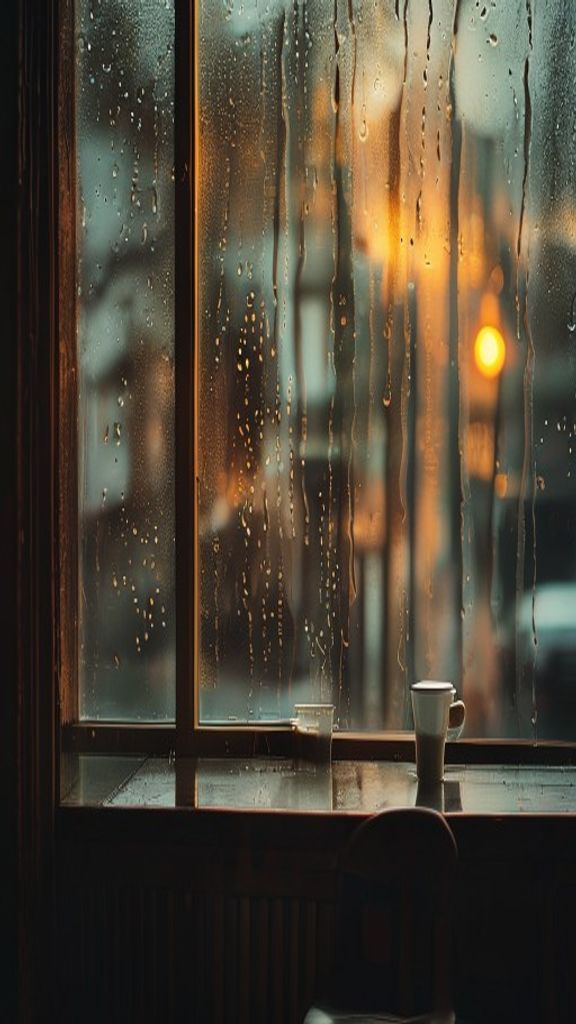
Resolution when you need it
GPT Image 2 outputs at 1K, 2K or 4K — the resolution knob appears only for models that support tiers, so the interface never offers a setting that does nothing. Nano Banana is flat-priced and fast, rendering at a single quality with no tier selector. Higher tiers cost more credits, shown on the Create button before you commit.
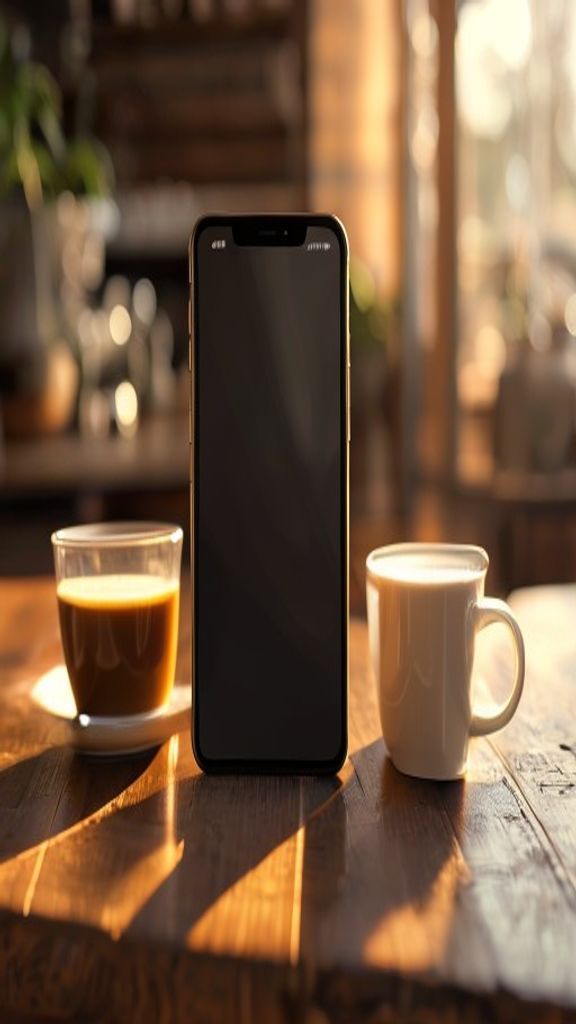
Honest, ownable outputs
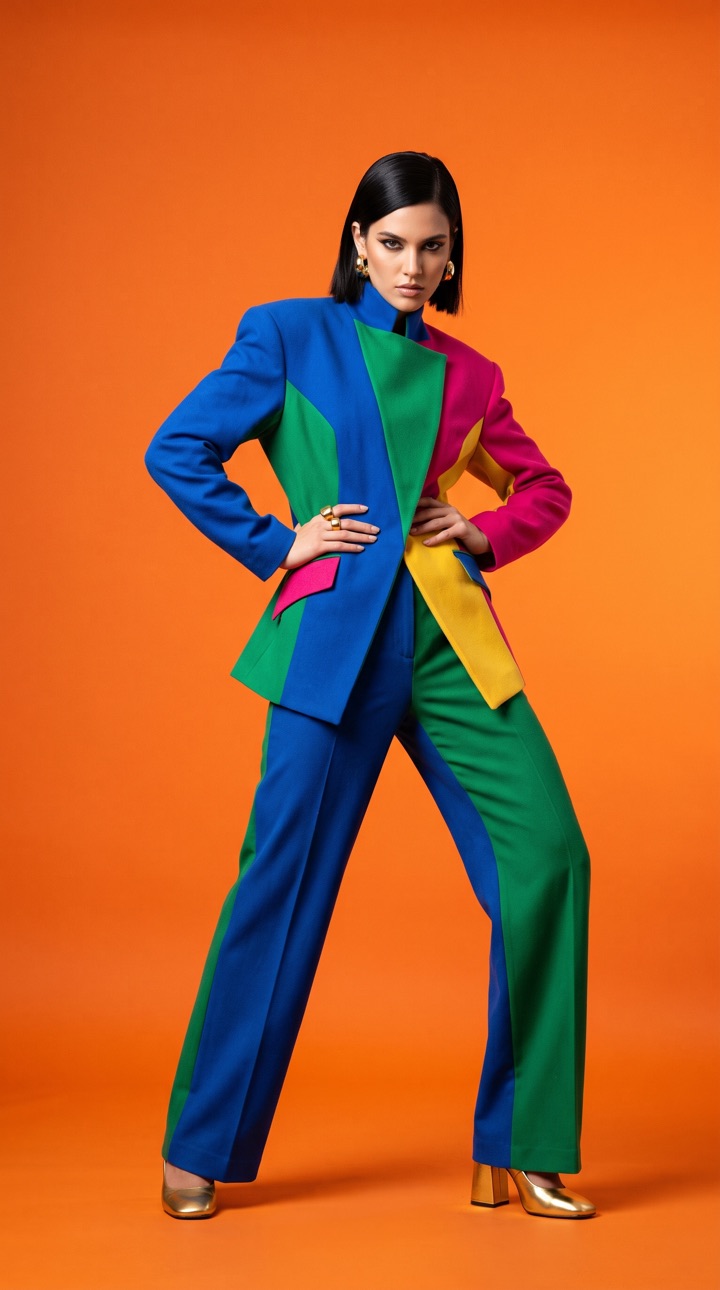
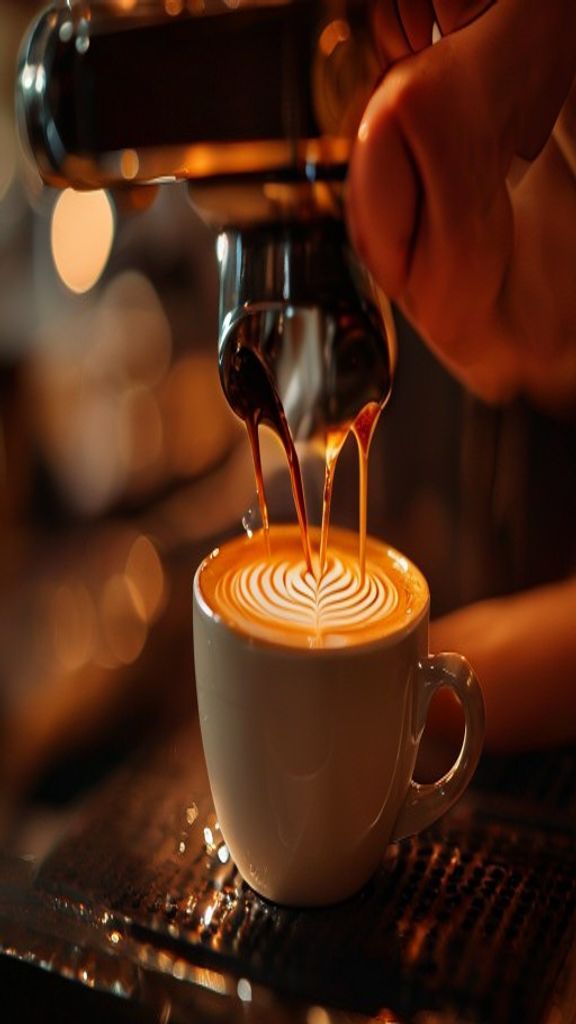
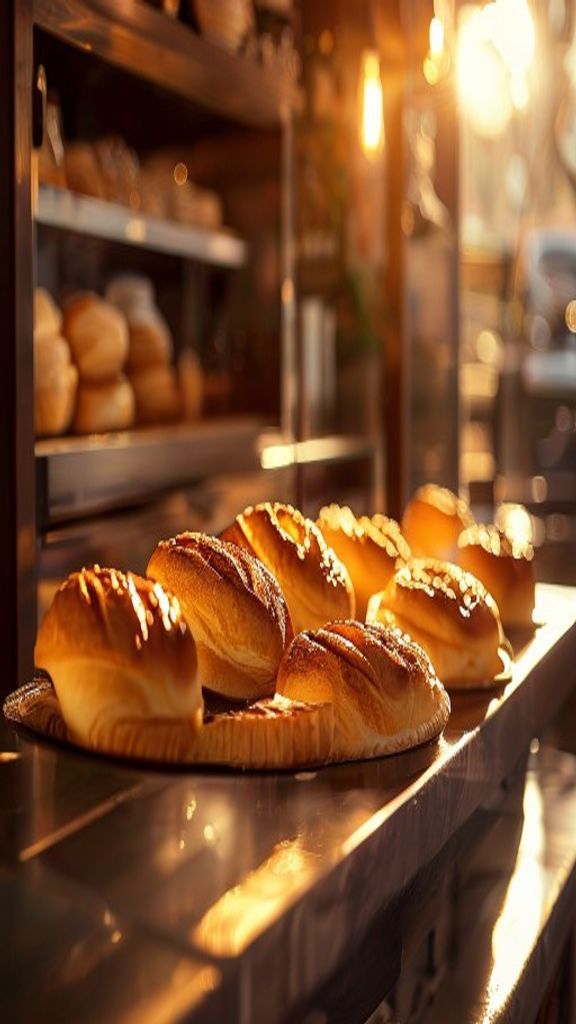
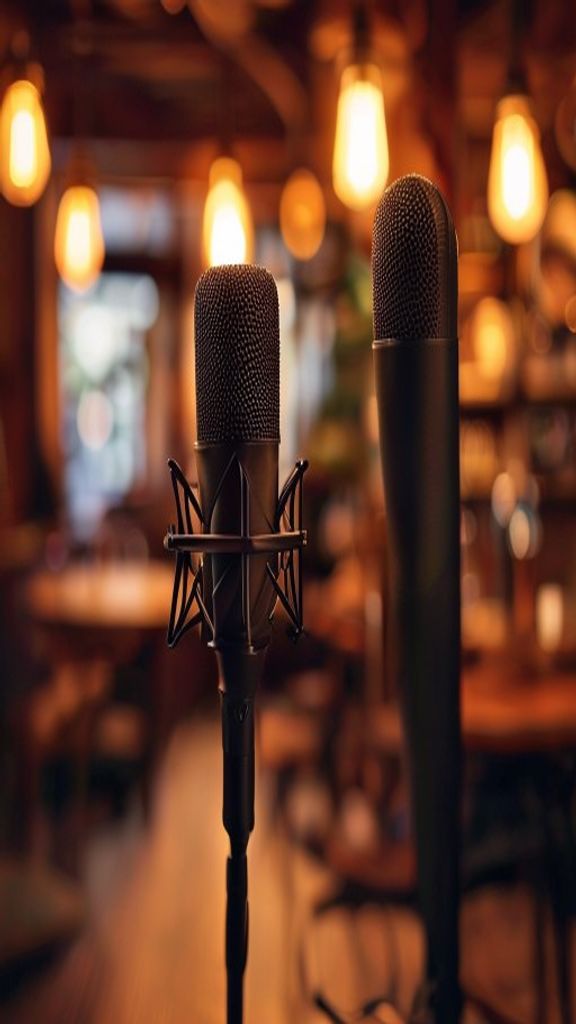
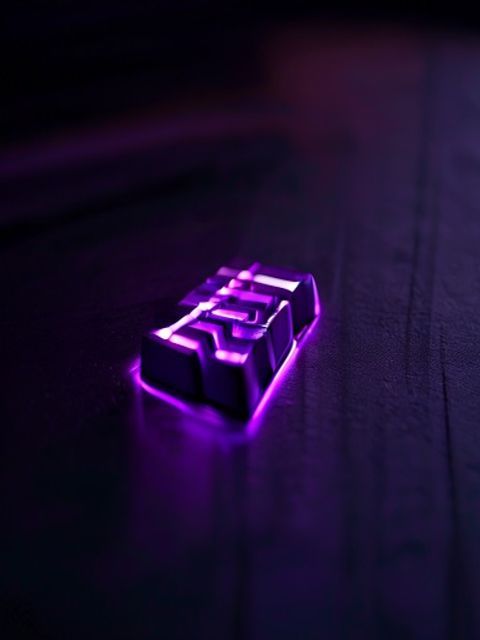
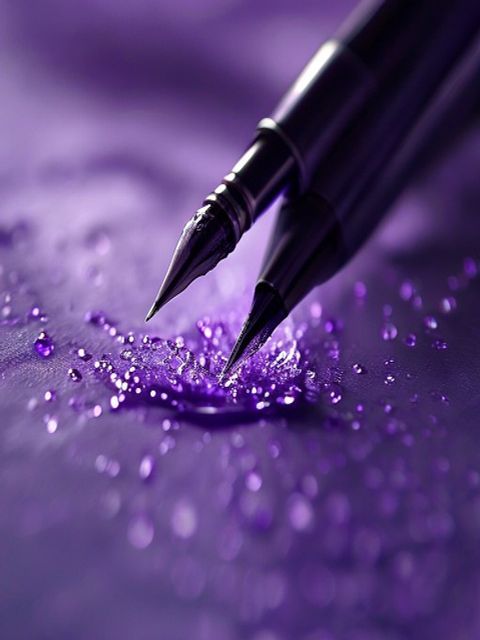
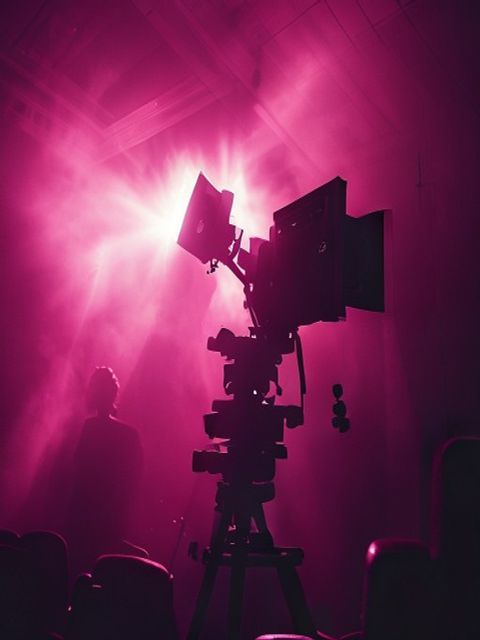
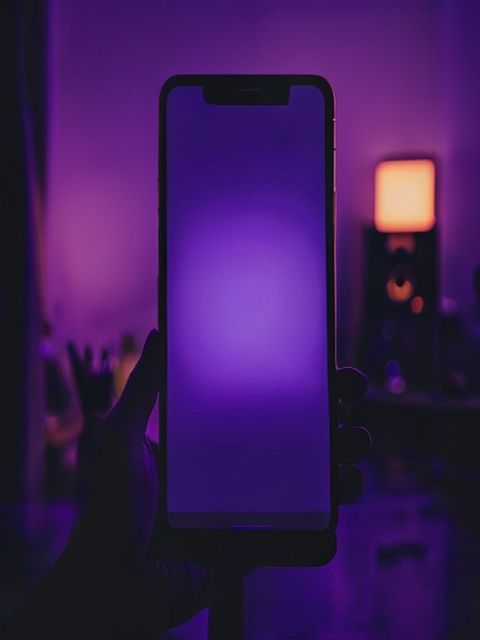
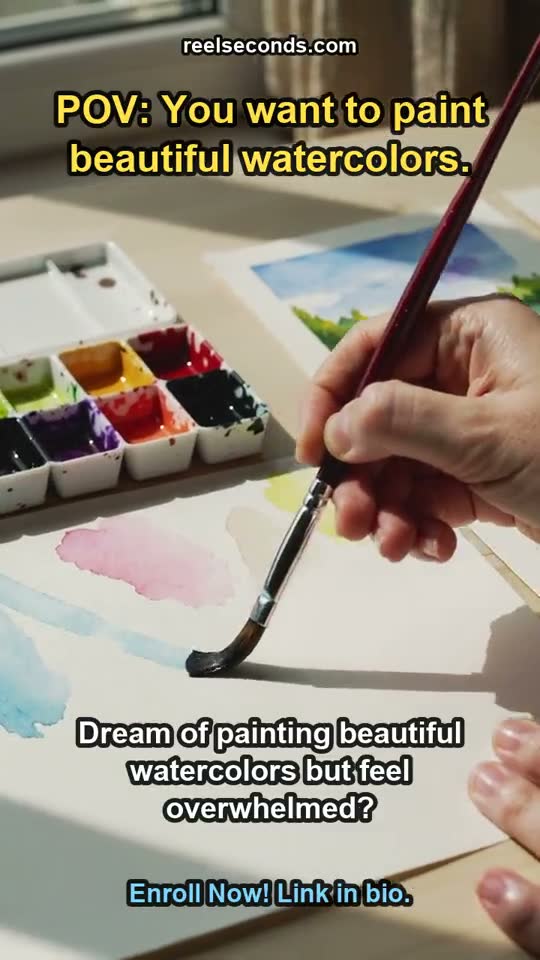
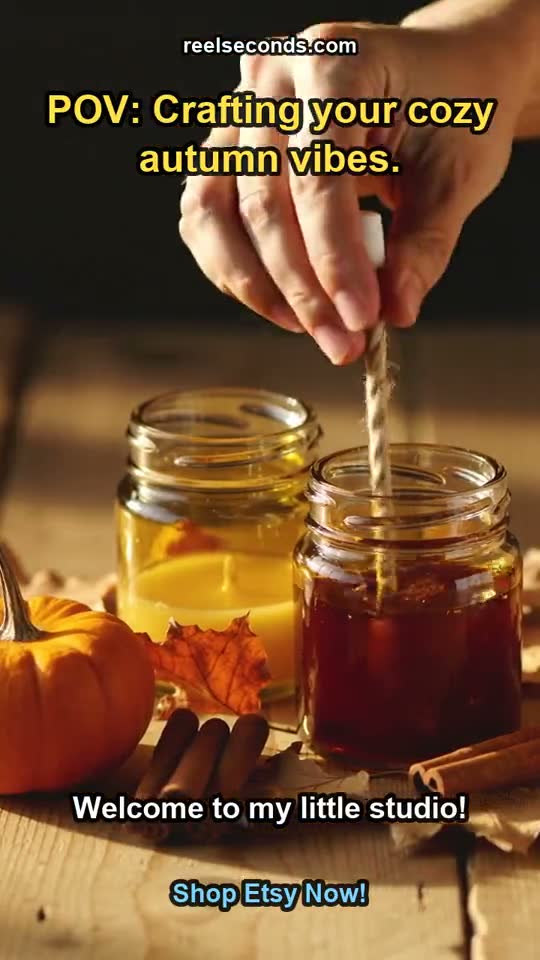
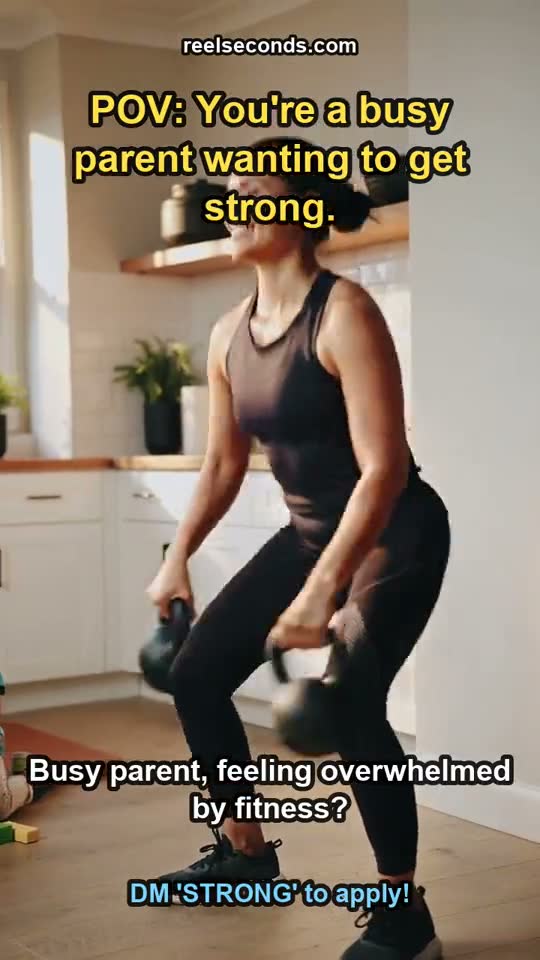
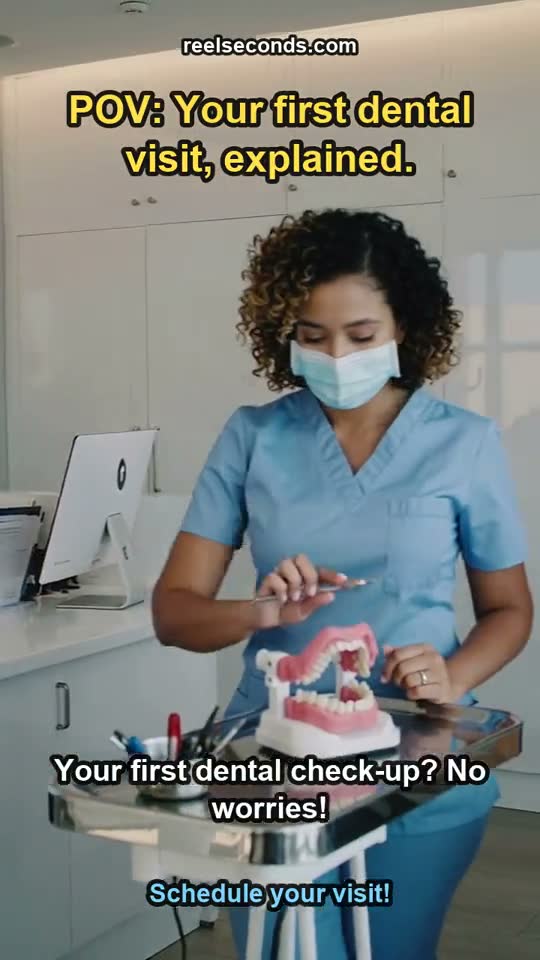
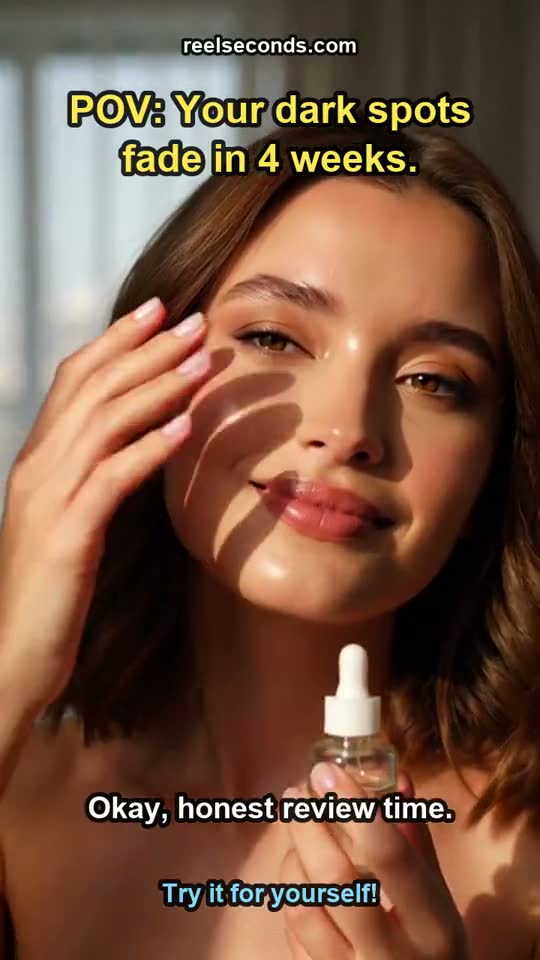
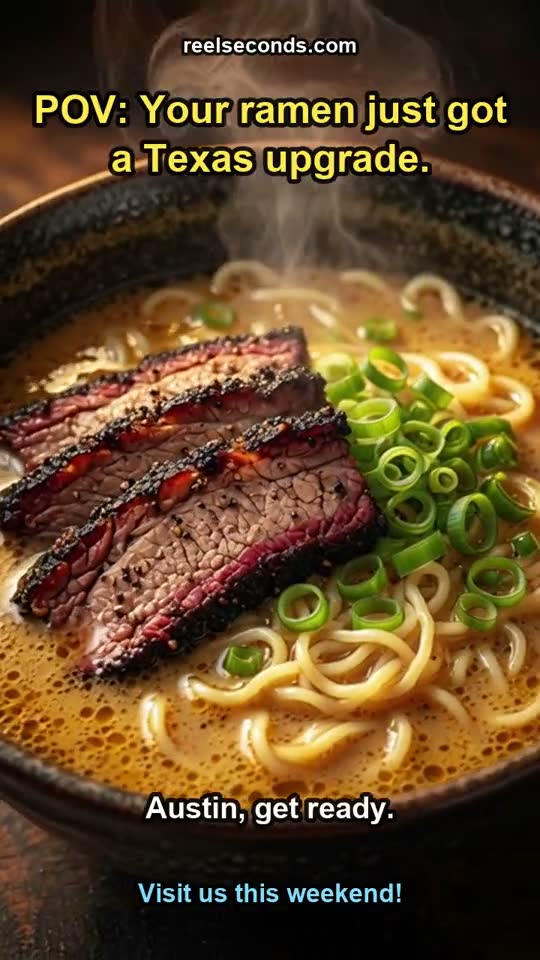
Every still on this page is a genuine render from the pipeline, never stock and never a mockup. The same honesty runs the other way: the images you generate are yours to use, and failed runs refund automatically so a bad generation never quietly burns your balance.
How to generate an image
- 1
Describe the image
Write the subject, the setting and the look you want — lighting, mood, lens and palette all help. Concrete nouns and one clear focal point beat a long list of adjectives.
- 2
Pick the model and resolution
Choose GPT Image 2 for text rendering, editing and 1K–4K output, or Nano Banana for a fast photoreal pass. The credit cost updates on the Create button as you change the resolution tier.
- 3
Generate or edit
Run text-to-image, or switch to Image to Image, drop in a source frame and describe the change. Because runs are cheap, generate a few variations and keep the strongest.
- 4
Download and reuse
Download the render, or feed it straight into the video studio as a start frame for image-to-video. Failed runs refund automatically.
What people generate
Product and campaign stills
Generate on-brand hero shots for a launch or a seasonal campaign — editorial lighting and clean backgrounds without booking a photographer or a studio.
Editing and restyling
Image-to-image restyles, recolours or extends a shot you already have while keeping the subject intact — a fast way to spin variants of one key visual.
Start frames for video
Render a strong composition, then animate it in the video studio with image-to-video. The image studio and the video studio share one balance, so the handoff is seamless.
Social and thumbnail art
Square and vertical stills for posts, thumbnails and ad creative — generate several options at a predictable credit price and pick the one that performs.
Model specifications
| Models | GPT Image 2 and Nano Banana (live) |
|---|---|
| Modes | Text-to-image and image-to-image |
| Resolutions | GPT Image 2: 1K / 2K / 4K · Nano Banana: fast single tier |
| Strengths | Text rendering, subject-preserving edits, photoreal speed |
| Cost | Per run, by model and tier, shown on the button |
| Free to start | 20 credits on sign-up |
Good to know
Which model should I pick? Reach for GPT Image 2 when you need legible text in the image, an image-to-image edit, or 2K–4K output; reach for Nano Banana when you want a fast, photoreal pass and do not need resolution tiers. Both generate on the same balance, so you can compare.
Can I edit an image I already have? Yes. Switch to Image to Image, drop in your source, and describe the change — GPT Image 2 preserves the subject while applying the transformation, so restyles and fixes keep the composition you started from.
How is resolution priced? Higher tiers cost more credits, and the exact amount is shown on the Create button before you run. The resolution knob only appears for models that actually support tiers, so the interface never charges you for a setting that does nothing.
Are these real generations? Every still shown here is a genuine render from the pipeline — never stock, never a mockup. The images you generate are yours to download and use, and any failed run is refunded automatically.
Can an image become a video? Yes — generate a still, then take it into the video studio and use image-to-video to animate it. Both studios share one credit balance, so a still can flow straight into a finished clip.
Describe the image in the studio above, pick a model and a resolution, and generate — then edit it, restyle it, or animate it into a clip. One prompt box, two models, one balance.