
A still packshot tells you what a product looks like; a product video tells you what it is like. Motion is what makes an object feel premium and real — the slow rotation that shows every angle, the light that travels across a surface, the lifestyle scene that puts the product in a hand. On ReelSeconds the AI Product Video Generator produces that motion on Kling 2.6 from a text description, so a landing page or ad gets a polished moving asset without a photographer, a lighting rig or a motion designer. For teams shipping dozens of SKUs, that changes the math: every product can have a video, not just the hero one that justified a shoot.
Why generate product video
Motion makes a product feel premium
The reason brands pay for product films is that movement communicates quality a still cannot: how light rolls across a finish, how a material catches the eye, how the object sits in space. Generating that motion means every product — not just the flagship — can get the treatment. A slow rotation or a rim-lit push-in reads as considered and expensive, and it takes a prompt and a couple of minutes instead of a studio day.
Studio or lifestyle, your call
The same tool covers both registers. A seamless gradient backdrop and crisp lighting read as clean e-commerce; a real-world setting — the mug on a morning table, the bottle on a bathroom shelf — reads as relatable lifestyle. Because the staging is a prompt parameter, you can generate both looks for one product and use each where it fits, matching the placement instead of forcing one asset to do every job.
Built for the placement
A landing-page hero, a Reels ad and a marketplace listing all want different frames, and generating in the right ratio from the start means no awkward reframing later. Vertical for social, landscape for web and pre-roll, square for feeds — the clip is composed for where it will live. At 1080p it holds up on a full-bleed hero as well as a phone screen, so one generation serves the whole funnel.
A video for every SKU, affordably
The barrier to product video has always been cost per shot, which is why only hero products got one. At a flat 25 credits per run with automatic refunds on failure, generating a clip for every item in a catalog is a routine expense rather than a project. Twenty free sign-up credits cover the first, and for exact-product accuracy the image-to-video flow animates your real packshot directly.
How to use it
- 1
Describe the product and the staging
Name the product, the surface and the light: "a ceramic mug on a wet slate counter, warm side light, slow rotation." Studio staging reads as premium; a lifestyle setting reads as relatable — pick the one that matches the placement.
- 2
Choose the motion
A rotating hero shows every angle, a slow push-in builds focus, a lifestyle pan tells a story. State the camera move explicitly — the motion is what turns a packshot into a product video.
- 3
Pick the ratio for the placement
9:16 for a Reels or TikTok ad, 16:9 for a landing-page hero or YouTube pre-roll, 1:1 for a feed post. Generate in the ratio the placement needs so it drops in without reframing.
- 4
Generate and place it
A run is 25 credits at 1080p, shown on the button. Download the MP4 and drop it onto a product page or into an ad; failed runs refund automatically, so trying a second angle is cheap.

What people make product videos for
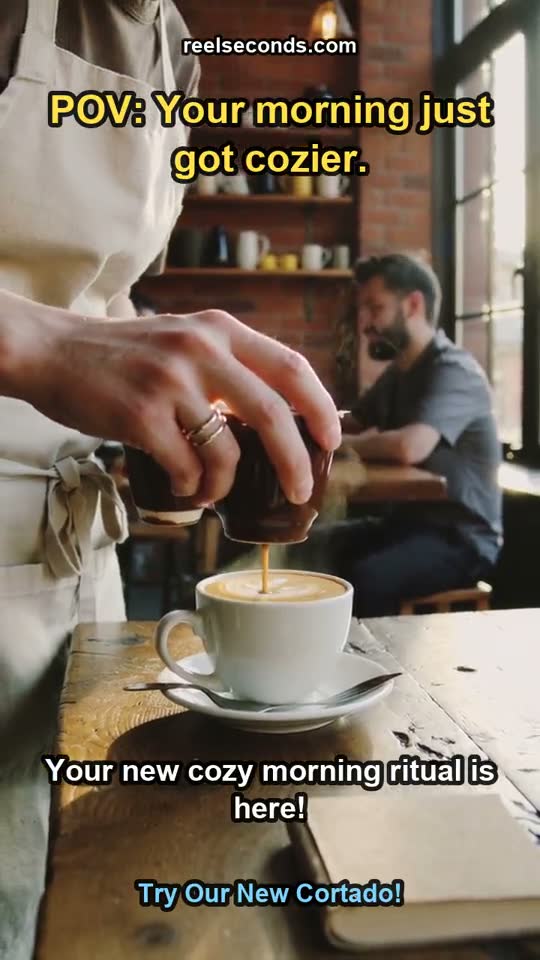
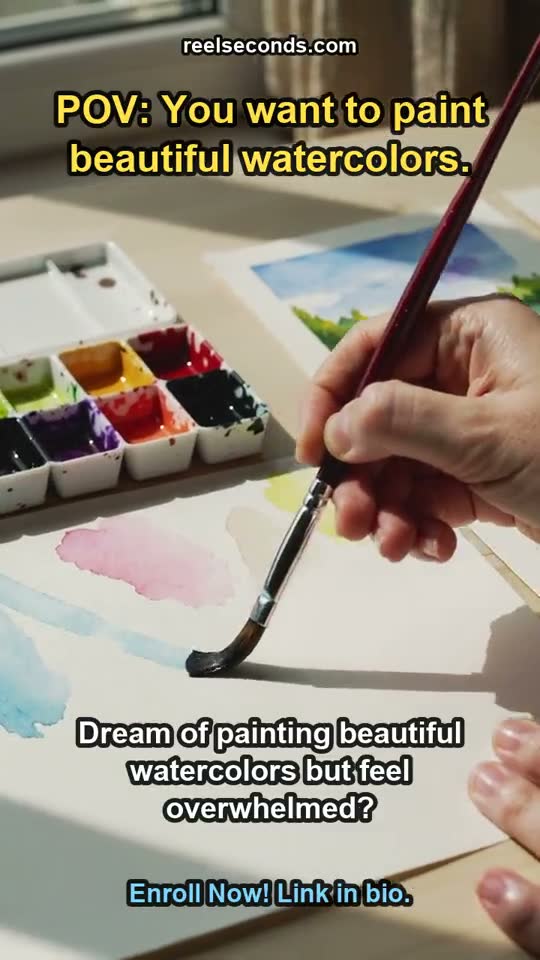
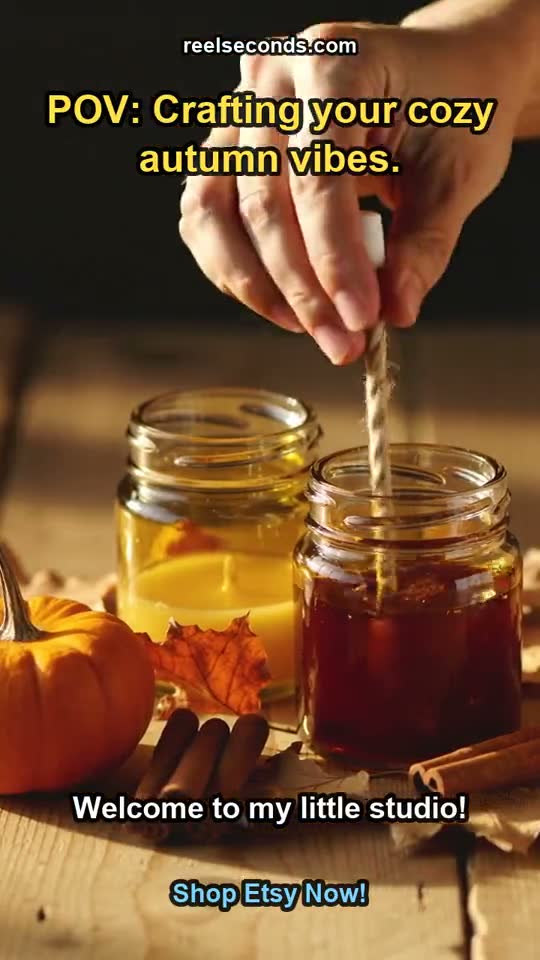
Landing-page heroes
A moving hero clip on a product page lifts perceived quality and dwell time — generate a clean rotation or push-in sized for the layout, no video shoot required.
Social and marketplace ads
Vertical product clips for TikTok, Reels and marketplace placements — generate a few angles, test which converts, and scale the winner.
Catalog coverage at scale
Stores with dozens of SKUs give every product a video instead of only the flagship, keeping the whole catalog consistent and alive.
Seasonal drops and refreshes
A limited run or a seasonal variant gets its own motion asset on demand, so campaign creative keeps pace with the release calendar.
Model specifications
| Model | Kling 2.6 (Kuaishou) — the model that renders your clip |
|---|---|
| Best paired with | Image-to-video for your exact packshot |
| Looks | Studio spin · lifestyle scene · rotating hero |
| Resolution | Native 1080p (fixed) |
| Aspect ratios | 9:16 · 16:9 · 1:1 |
| Durations | 5s or 10s per run |
| Cost | 25 credits per generation, shown on the button |
| Free to start | 20 credits on sign-up |

Good to know
What is an AI product video generator? It generates motion footage of a product — a rotating hero, a studio spin, a lifestyle scene — from a text description, so a landing page or ad gets a moving asset without a photographer, a set or a motion designer. On ReelSeconds the render runs on Kling 2.6 at 1080p.
Can I use my own product shot? Yes — for a video built from your exact product, use image-to-video: upload the packshot as the start frame and describe the motion, and Kling 2.6 animates your real product while keeping the label legible. This tool’s preset is text-to-video for staging a product from a description; the image-to-video page covers the upload flow.
Does it keep product details accurate? Text-to-video generates a plausible product from your description, so it is ideal for concepting and staging. When exact accuracy matters — a specific label, a real SKU — start from your product photo with image-to-video, which anchors the real details while adding motion.
What placements is it good for? Landing-page heroes, social ads, marketplace listings and pre-roll. Generate in the ratio the placement needs — vertical for social, landscape for web and YouTube, square for feeds — and the clip drops in without reframing.
How much does it cost? A run is 25 credits at 1080p, shown on the Create button, with automatic refunds on failed generations. Sign-up includes 20 free credits, so a first product clip can cost nothing to try.
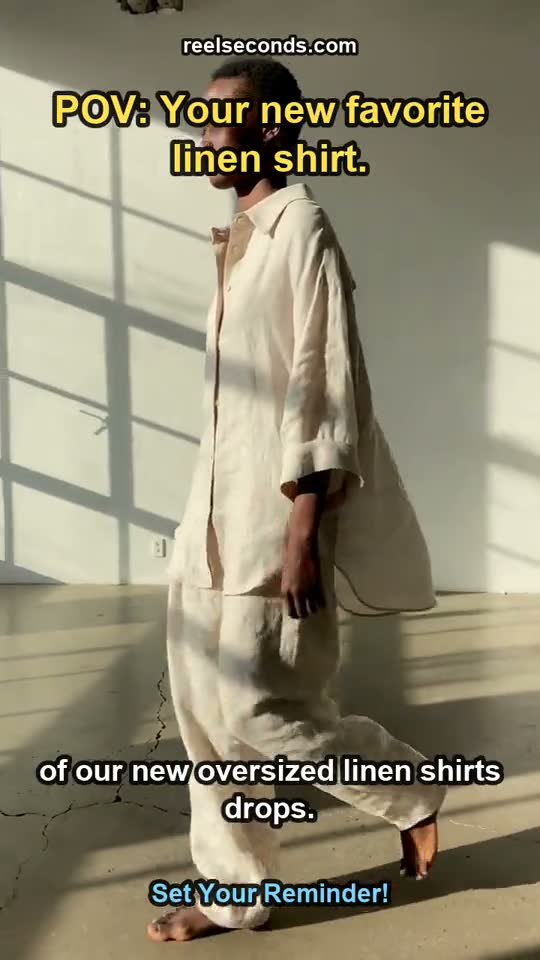

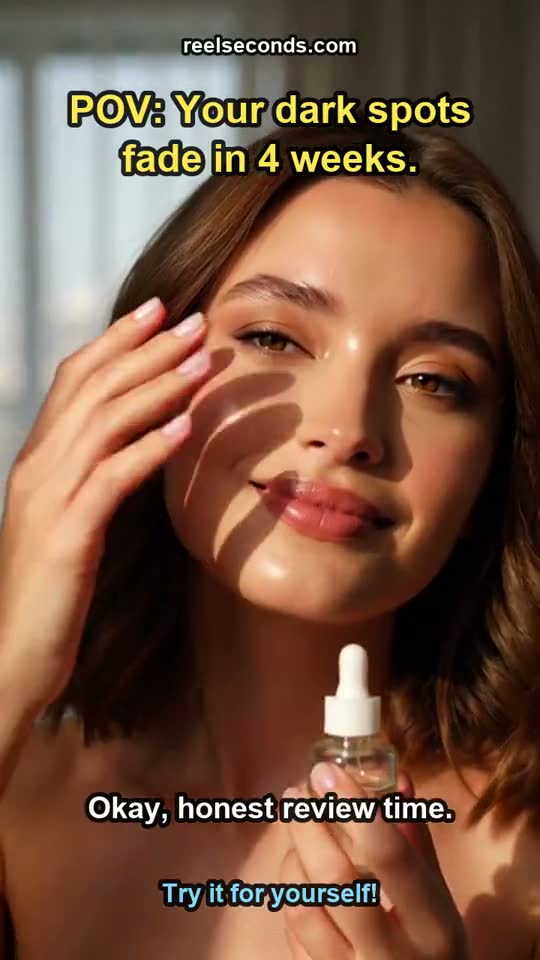
Every product deserves motion, not just the hero one. Stage a product in the studio above, choose the move and the ratio, and let Kling 2.6 render a clip your landing page or ad can use today.