
Text to video is the shortest path from an idea to a finished clip: you describe the scene in plain language and the model renders it, no camera, no timeline, no stock library. On ReelSeconds that render runs on Kling 2.6 at native 1080p, so a sentence like "a surfer carving through a golden-hour wave, spray backlit by the sun" becomes real motion in a couple of minutes. The value is not novelty — it is throughput: you can try five openers in the time it used to take to license one stock clip, and every one is exactly the shot you described instead of the closest thing someone else already filmed.
Why generate video from text
A prompt is a whole shoot
The gap text-to-video closes is the one between the shot in your head and the footage on your drive. There is no location, no lighting rig and no re-shoot: you write the subject, the motion and the light, and Kling 2.6 produces the frame. When the first take is wrong, the fix is editing a sentence, not booking another day — which is why teams that switch to prompting stop rationing their ideas.
Native 1080p, honest motion
Every run renders at native 1080p with no resolution knob to mis-set, and the motion obeys weight and momentum instead of the floaty drift that gives cheap AI video away. Objects fall, rotate and settle believably; a subject holds its identity from the first frame to the last. That physical plausibility is exactly what makes a text-to-video clip usable as a hook rather than a curiosity.
Built for vertical first
The 9:16 frame is a first-class choice, not a crop applied afterward, so a clip destined for TikTok, Reels or Shorts is composed for the phone from the start. A five-second run is hook length by design — long enough to land an idea, short enough to batch several variants and A/B them the same afternoon. Landscape and square are one click away when the destination changes.
Priced per render, refunded on failure
A run costs a flat 25 credits shown on the Create button before you commit — the number is read straight from our model map, not a marketing figure. Credits freeze when the job starts and bounce back automatically if the render fails, so your balance only ever pays for footage that actually arrived. That predictability is what makes fanning out ten drafts a budgeting decision instead of a gamble.
How to use it
- 1
Write a shot, not a paragraph
Name the subject, one action, the camera move and the light: "slow dolly-in on a ceramic teapot, morning window light, steam rising." Concrete shot language beats a wall of adjectives every time.
- 2
Set the aspect ratio and duration
Choose 9:16 for TikTok, Reels and Shorts, 16:9 for landscape, or 1:1 for square. Pick 5 seconds for a hook or 10 for a fuller beat — the controls only show what Kling 2.6 actually supports.
- 3
Generate — the cost is on the button
Press Create and the exact credit cost is shown before you commit. Kling 2.6 renders at native 1080p; failed runs refund automatically, so you only pay for footage that arrives.
- 4
Download or remix
Save the MP4, or remix any reel in the gallery back into the studio with its prompt pre-filled — a clip you like becomes the seed for the next variation.
What people generate from text
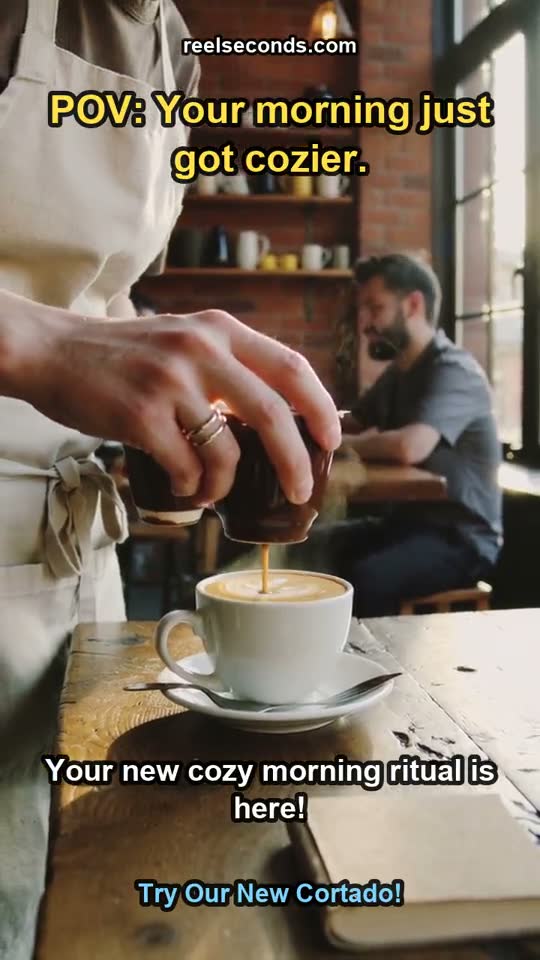
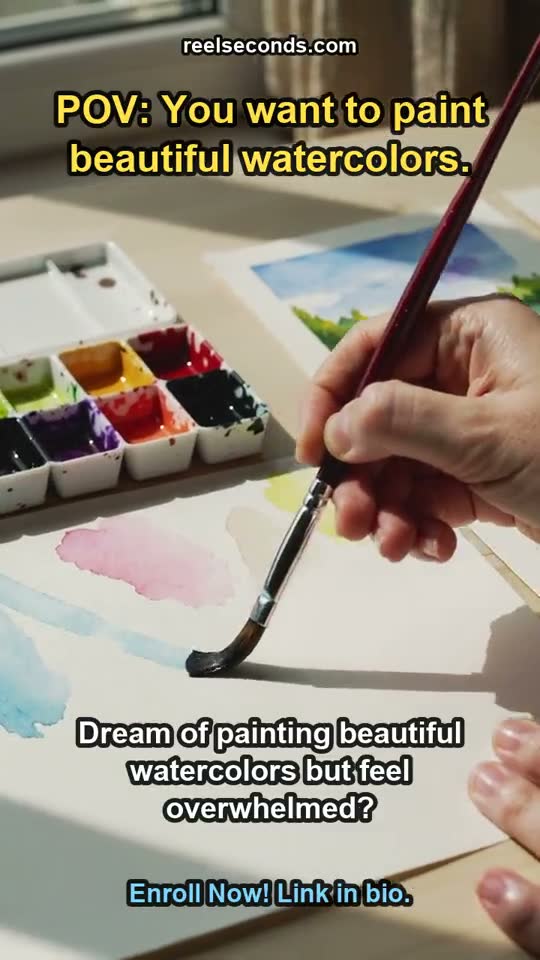

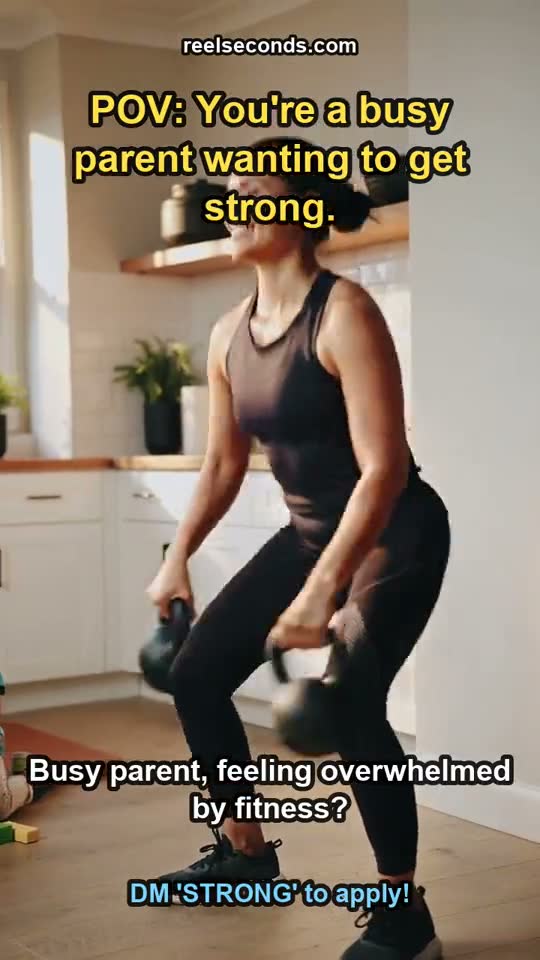
Scroll-stopping social hooks
The first two seconds decide whether a reel survives the scroll. Creators generate several 9:16 openers from one idea, keep the strongest, and ship — the whole loop is a lunch break, not a shoot day.
Ad variations at a fixed cost
Performance teams fan out ten text-to-video variants of a concept, run them against click-through, and only invest more in the winner. Per-render pricing turns creative testing into arithmetic.
Product demos without a set
Describe the product in motion — "the app icon blooms into a growing plant, soft studio light" — and get a clean demo clip without a studio booking or a motion designer.
Cutaways and B-roll on demand
Editors generate the exact cutaway a script needs instead of settling for the closest stock clip. "Rain on a neon window, slow rack focus" is a prompt, and prompts are infinite where stock libraries are not.
Model specifications
| Model | Kling 2.6 (Kuaishou) — the model that generates your clip |
|---|---|
| Mode | Text-to-video (image-to-video available on its own page) |
| Resolution | Native 1080p (fixed) |
| Durations | 5s or 10s per run |
| Aspect ratios | 9:16 · 16:9 · 1:1 |
| Cost | 25 credits per generation, shown on the button |
| Failure policy | Failed runs auto-refund to your balance |
| Free to start | 20 credits on sign-up |

Good to know
What model powers text to video here? Kling 2.6, live in the studio at native 1080p. Sora 2, Veo 3 and Seedance 2.0 route into the same Model Routing selector and switch on the moment their endpoints land — the MODEL chip always names the model that actually generated your clip.
How long can the clips be? Each run is 5 or 10 seconds at 1080p. Five seconds is exactly hook length for short-form; ten carries a fuller beat. For longer pieces, generate several clips and stitch them — each run is an independent 25-credit generation.
What makes a good text-to-video prompt? Direction, not description. A single clear subject, one action, an explicit camera move and a lighting cue outperform a long list of adjectives. Kling 2.6 reads cinematic language, so "rack focus," "dolly-in" and "golden hour" all land.
Is it free to try? Signing up grants 20 free credits — enough for a first Kling 2.6 run. You can stage the whole prompt, ratio and duration before the sign-up wall appears at Create, so nothing is spent until you choose to generate.
Can I use the clips commercially? Paid-plan generations carry commercial usage on our side for ads, client work and monetized channels. Provider content policies apply upstream, and a policy-violating job fails and refunds rather than rendering.
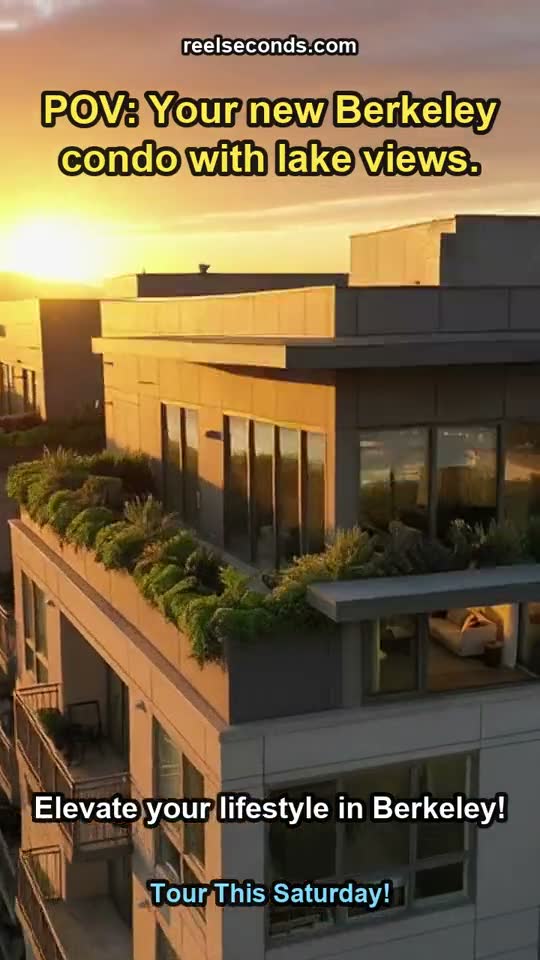
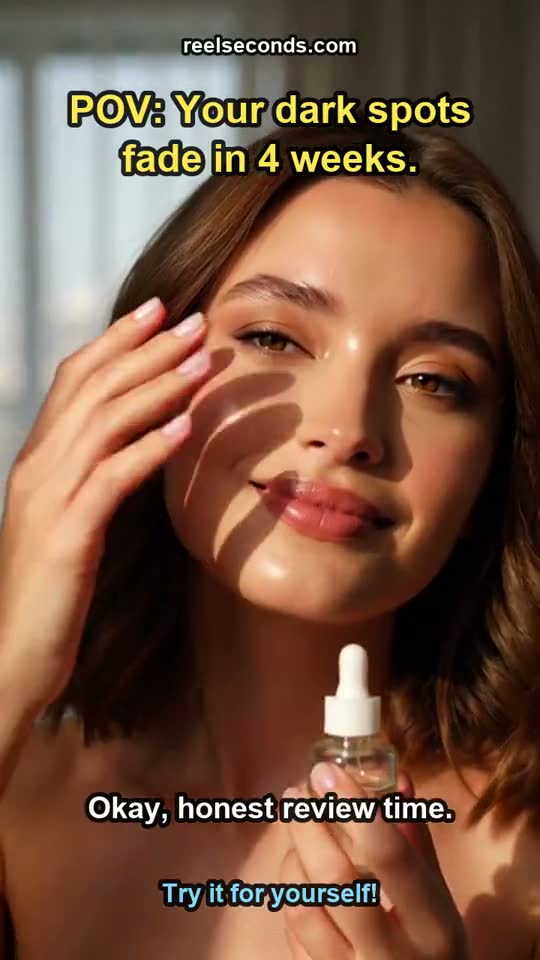
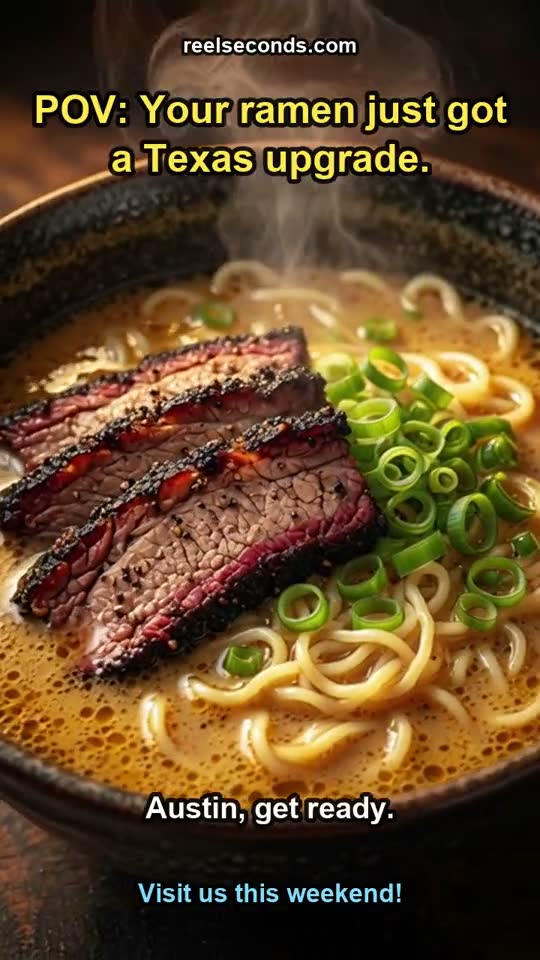
Text to video collapses the distance between an idea and the footage that proves it. Stage a prompt in the studio above, pick a duration, and let Kling 2.6 render the shot you described — then remix it until it is exactly right.