Every editor knows the stock-library ritual: you need one specific cutaway, you type it into a search box, and you settle for the clip that is closest to what the script actually calls for. An AI B-roll generator ends that compromise. You describe the exact shot — the subject, the motion, the light — and Kling 2.6 renders it at 1080p, so the footage matches your story frame for frame instead of the story bending to fit whatever footage exists. The result is B-roll that is both specific and unique: specific because you wrote it for this scene, and unique because no other video is drawing the same clip from the same pool.
Why generate your B-roll
The exact shot, not the closest one
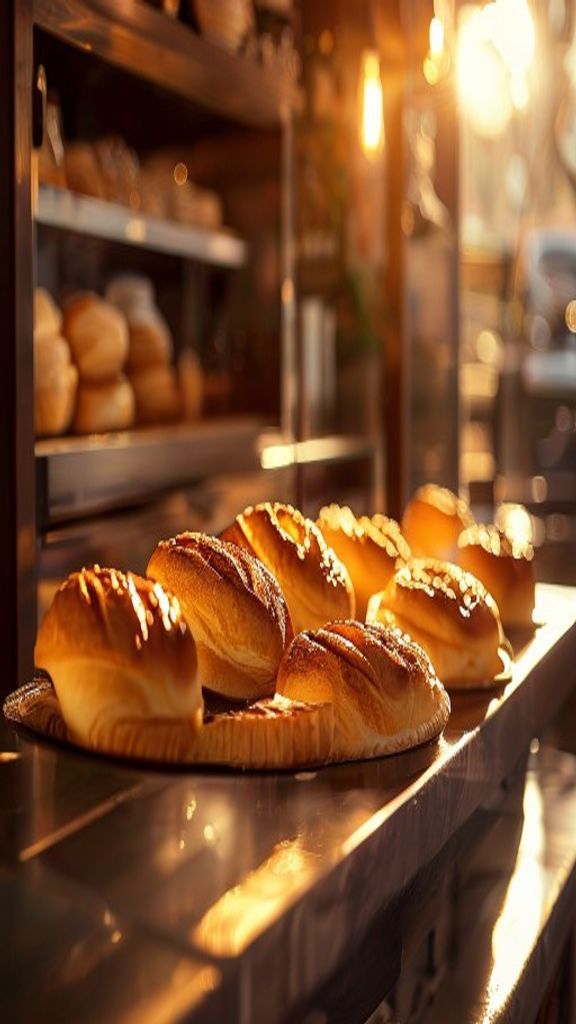
Stock search is a compromise engine — it returns what exists, and what exists is rarely what the script needs. Generation inverts that: the prompt is the shot list. "Steam rising off a fresh bowl, slow push-in" is not a search you hope to match, it is a description you render. When the cutaway serves a specific line of narration, that precision is the difference between B-roll that illustrates the point and B-roll that vaguely gestures at it.
Footage nobody else has
The same popular stock clips appear across thousands of videos, and viewers half-recognize them. Generated B-roll cannot be duplicated by anyone else because it did not exist until you prompted it — it is unique to your edit by construction. For brands and creators building a recognizable look, that originality compounds: your cutaways belong to your channel instead of to a marketplace everyone shares.
Motion that cuts clean
B-roll only works if it sits believably next to your A-roll, and that is a physics problem. Kling 2.6 renders motion with real weight and camera moves that behave like a real camera — a dolly that eases, a rack focus that lands — so a generated insert cuts against filmed footage without announcing itself. Ask for the same lighting and lens language as your sequence and the cutaway drops in as if it were shot the same day.
Cheap enough to cover every shot
Covering an edit means generating several angles of the same beat, and at a flat 25 credits per run that is affordable rather than precious. Generate a push-in, an orbit and a static hold, then pick the one that cuts best; failed runs refund automatically. Twenty free sign-up credits mean the first cutaway costs nothing, and the volume plans keep a shot-heavy edit economical.
How to use it
- 1
Name the exact cutaway
B-roll is specific by definition — write the precise shot your edit is missing: "hands kneading dough in flour-dusted morning light," "a drone push over autumn pines at dawn." The more exact the description, the closer the footage lands.
- 2
Match the ratio to your timeline
Choose 16:9 for a landscape edit or YouTube, 9:16 for a vertical cut. Keeping the generated B-roll in the same ratio as your sequence means it drops onto the timeline without reframing.
- 3
Generate a few angles
At a flat 25 credits per run, generate two or three takes of the same cutaway — a push-in, an orbit, a static hold — and pick the one that cuts cleanest. Failed runs refund automatically, so covering a shot is cheap.
- 4
Drop it into the edit
Download the 1080p MP4 and cut it in. Because you described it to match the scene, the B-roll belongs to your story instead of being the closest thing a stock library happened to have.
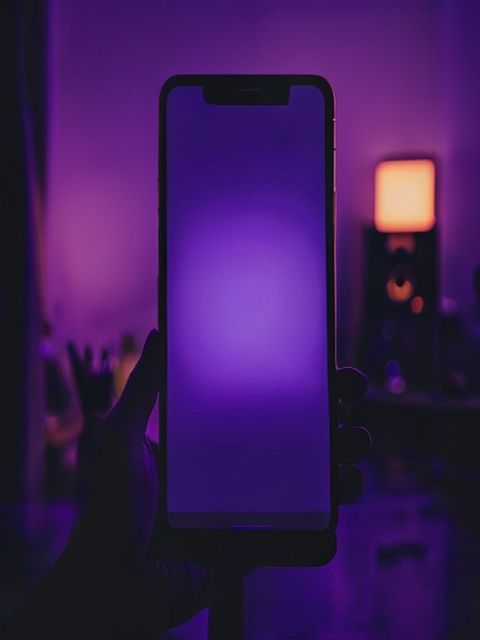
What people cover with generated B-roll
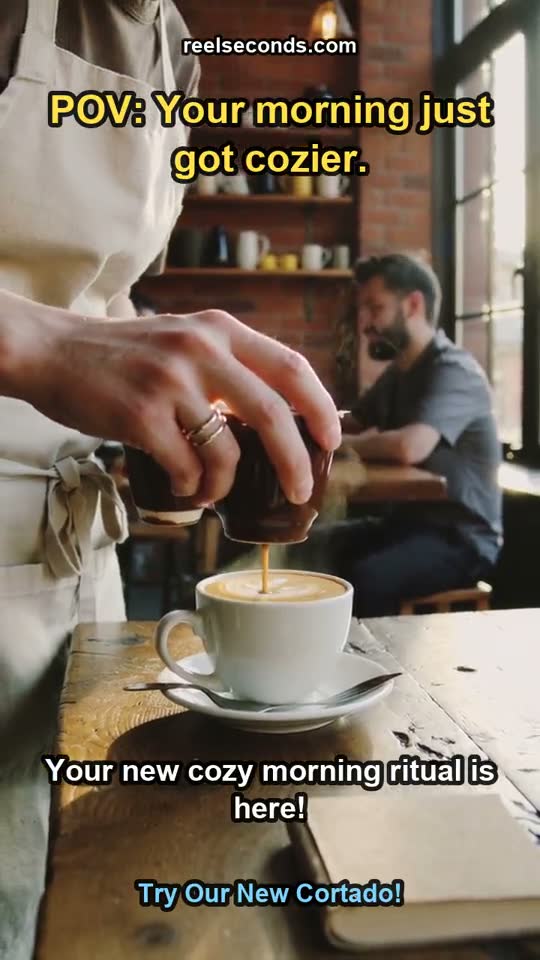
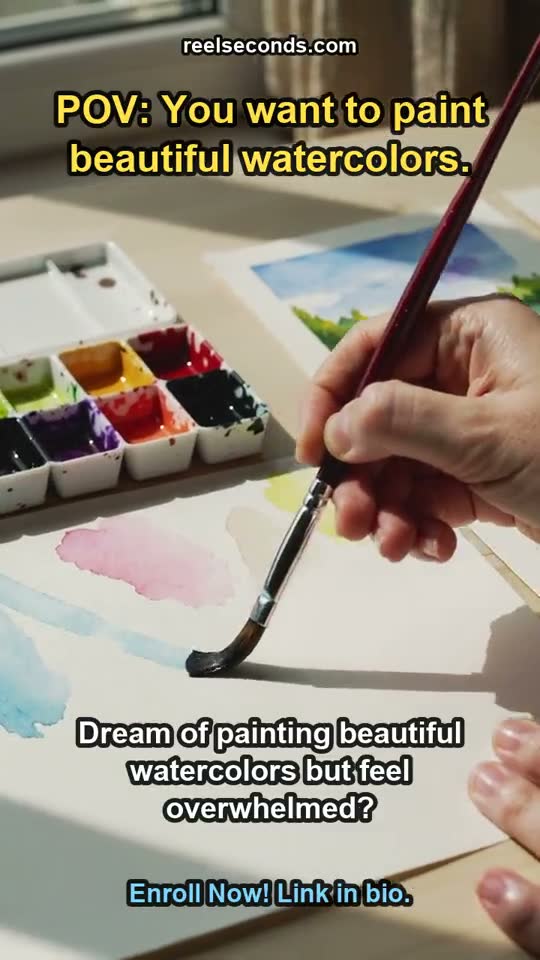
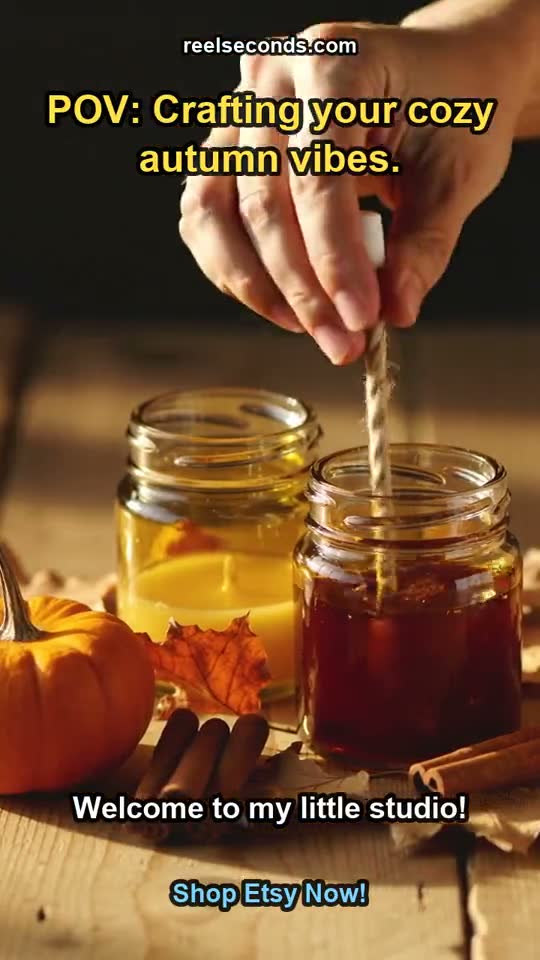
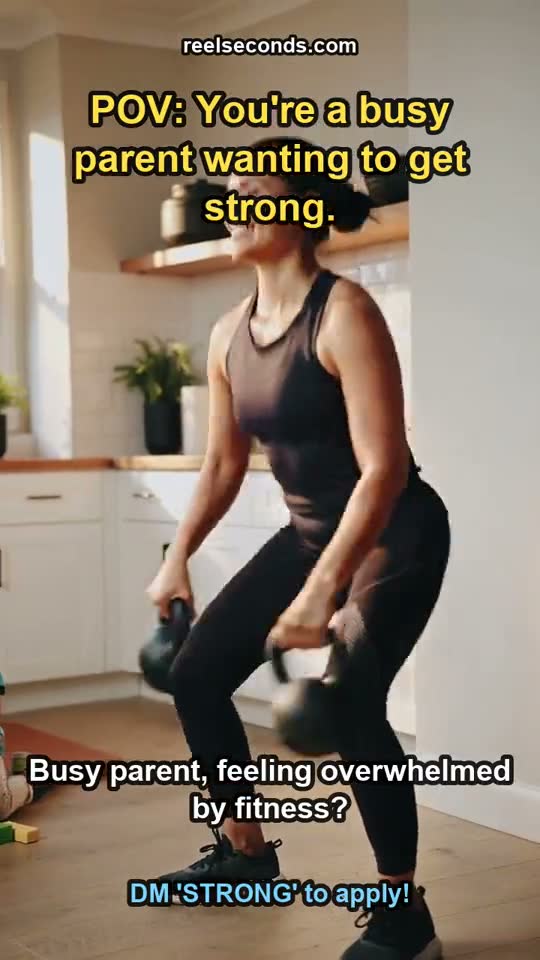
Talking-head and narration edits
Cover a voiceover or an interview with cutaways that actually match each line — generate the specific shot the words describe instead of reaching for a generic stock filler.
Product and brand films
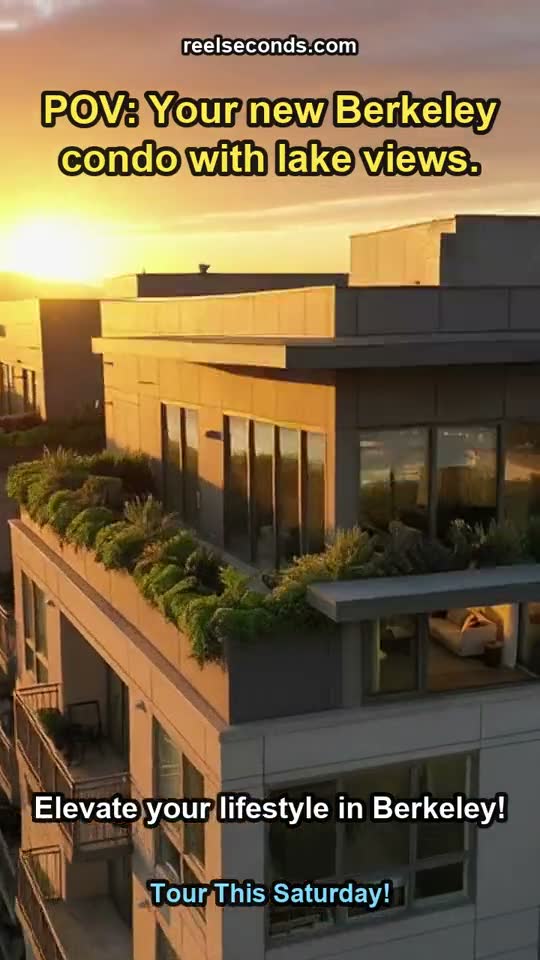
Detail shots, texture close-ups and atmospheric establishing footage that match the brand’s look — generated to order so the whole film feels shot for the product, not assembled from a marketplace.
Documentary and explainer content
Illustrate a concept with a bespoke cutaway when no filmed footage exists — the exact process, place or object the script names, rendered on demand.
Social edits that need a unique look
Creators building a recognizable channel generate cutaways nobody else has, so the visual identity stays theirs instead of being borrowed from the same shared stock pool everyone uses.
Model specifications
| Model | Kling 2.6 (Kuaishou) — the model that renders your B-roll |
|---|---|
| Mode | Text-to-video (image-to-video on its own page) |
| Resolution | Native 1080p (fixed) |
| Durations | 5s or 10s per run |
| Aspect ratios | 16:9 · 9:16 · 1:1 |
| Cost | 25 credits per generation, shown on the button |
| Uniqueness | Every clip is generated — not shared stock |
| Failure policy | Failed runs auto-refund to your balance |
Good to know
What is AI B-roll? B-roll is the supplementary cutaway footage that covers cuts and illustrates a narration — the shots between the shots. An AI B-roll generator produces those cutaways to order from a text prompt, so the footage matches your script exactly instead of being sourced from a finite stock library.
Why generate B-roll instead of using stock? Stock is finite and everyone draws from the same pool, so the "right" clip is usually just the closest available one — and the same clip shows up in a hundred other videos. Generated B-roll is specific to your script and unique to your edit: you describe the exact cutaway and get footage nobody else has.
What model renders the footage? Kling 2.6, live in the studio at native 1080p. Its honest motion physics — real weight, believable camera moves — is what makes generated B-roll cut cleanly against filmed footage instead of reading as an obvious insert.
How much does a B-roll clip cost? A run is 25 credits at 1080p, shown on the Create button before you commit, and failed runs refund automatically. Sign-up includes 20 free credits, so covering a shot can cost nothing to try.
Can I match my edit’s look? Yes — lighting and camera language are prompt parameters. Ask for "golden hour," "handheld," "shallow depth of field" or "slow dolly" and Kling 2.6 renders to that direction, so the B-roll sits in the same visual world as the rest of your sequence.
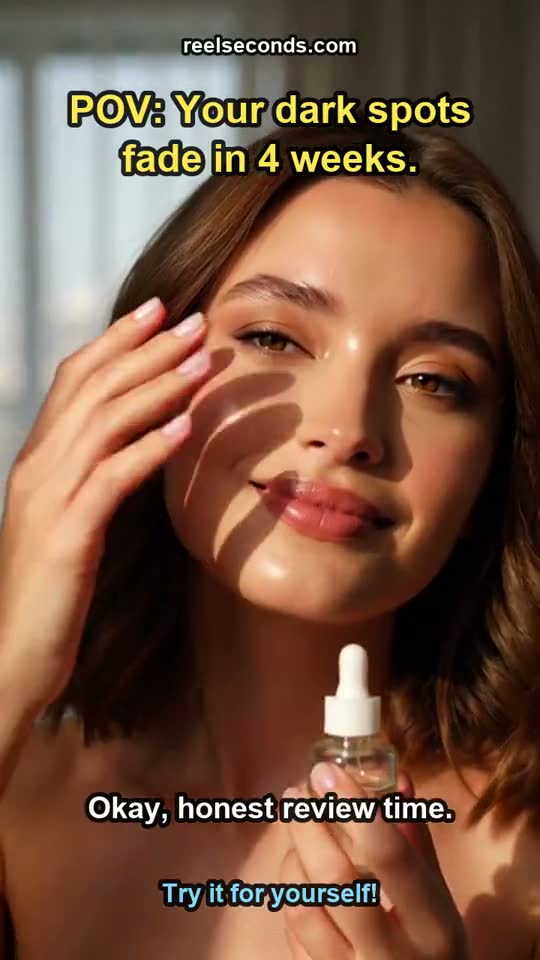
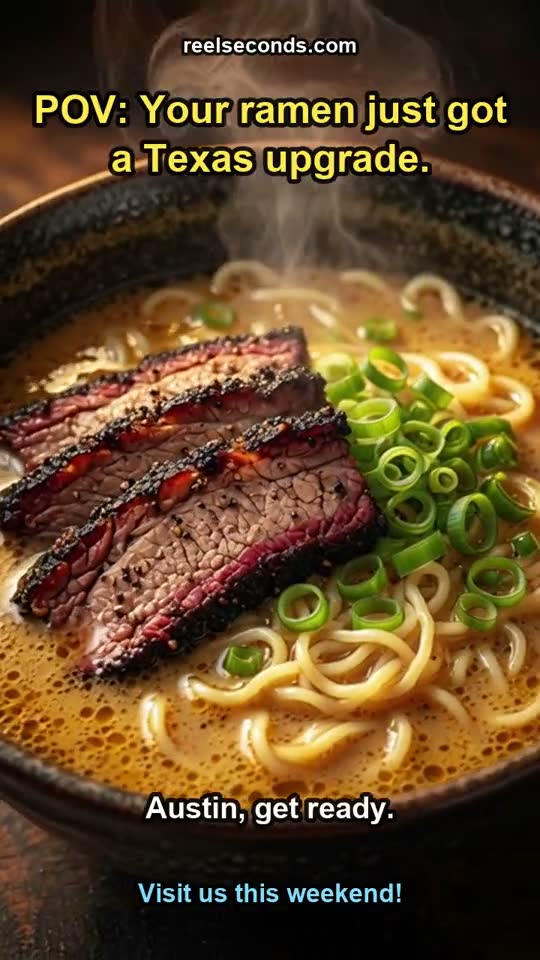
The right cutaway is the one that matches your script, not the one that happened to be in the library. Describe the shot your edit is missing in the studio above and let Kling 2.6 render B-roll that belongs to your story.