
An AI reel generator is a text-to-video tool with one opinion baked in: the output is vertical, short and built for a feed. On ReelSeconds that means a single prompt becomes a 9:16, 1080p clip rendered by Kling 2.6 — the exact shape TikTok, Reels and Shorts want, composed for the phone from the first frame rather than cropped down from a landscape master. The reason creators reach for it is speed of iteration. A reel has to earn attention in two seconds, and the only reliable way to find the hook that works is to try several. When each attempt is a cheap, fast generation instead of a shoot, testing openers becomes a normal part of the day instead of a production.
Why generate reels here
Vertical is the default, not a crop
A 9:16 frame fills the phone edge to edge, and the reel generator composes for it from the start — the subject is centered for the format, the hook is readable at thumbnail size, and nothing important lives in a region that gets cropped by the platform UI. Composing vertical-first is why a generated reel reads as native content instead of a repurposed landscape clip with bars on the sides.
Hook-length by design
Five seconds is not a limitation, it is the format. Short-form rewards a single strong idea delivered fast, and a five-second run forces exactly that discipline. Because it is quick and cheap to generate, you can produce several distinct openers for one concept, watch them back to back, and ship the one that stops the scroll — the batch-then-judge loop that separates reels that land from reels that get skipped.
Every reel is proof, not a mockup
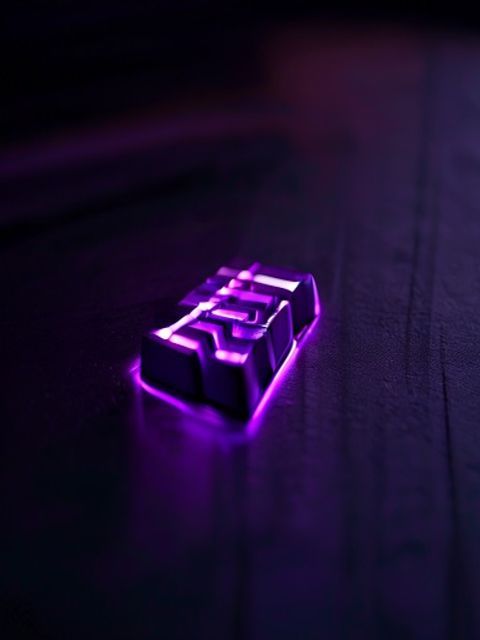
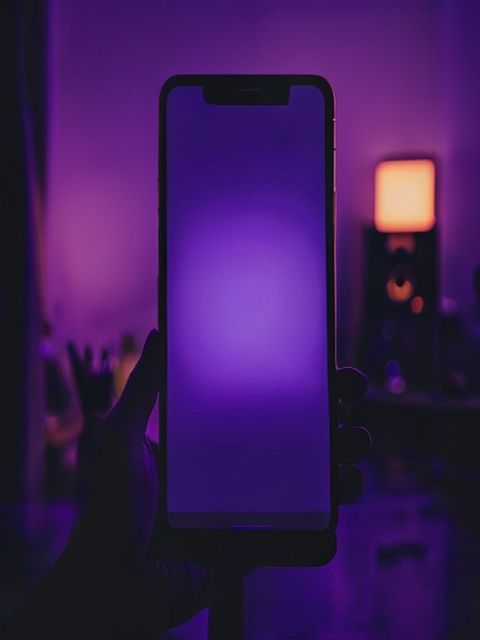
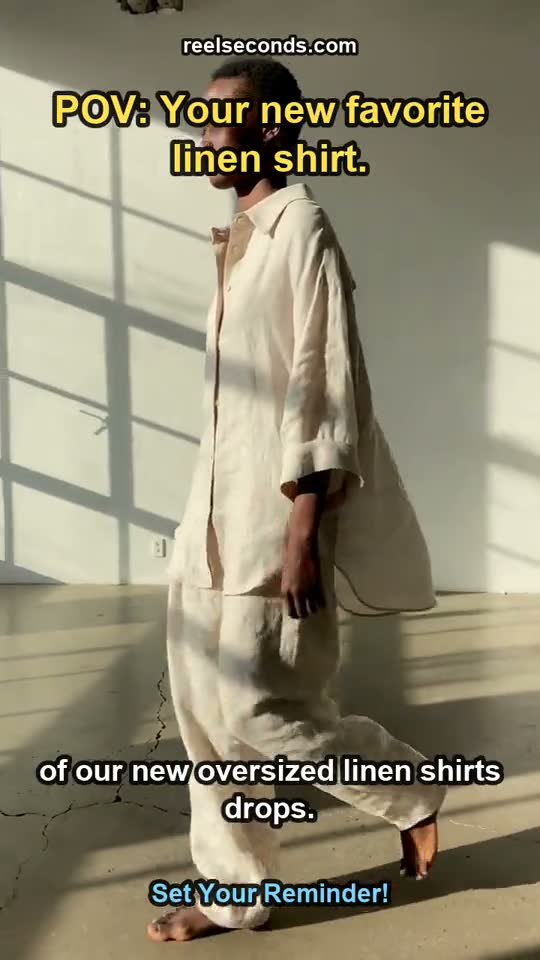
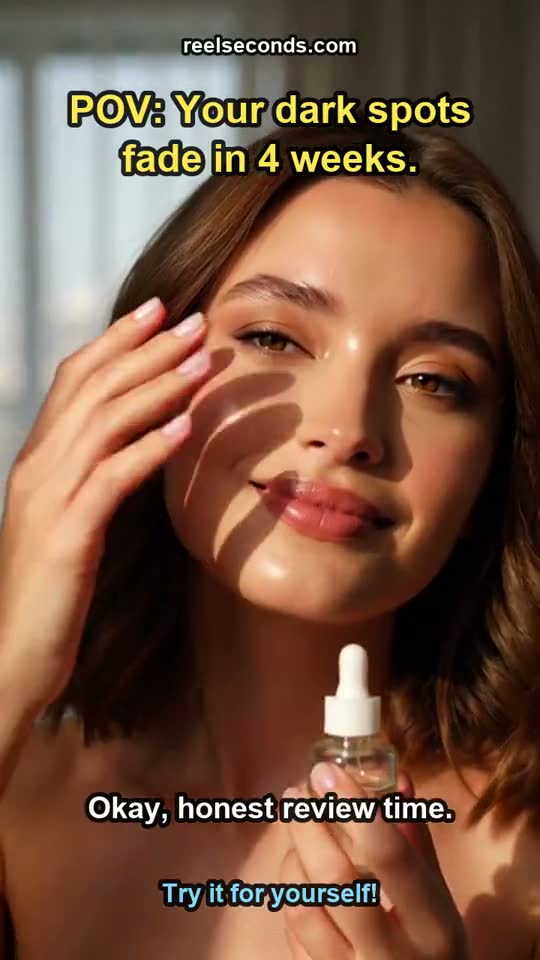
The gallery on this page is not stock or a demo — every tile is a real reel generated by the same studio you are about to use, labelled with the topic it was made from. That honesty runs the other way too: the clips you generate are genuine outputs you own and can post, remix or download, with watermark-free export on paid plans.
Cheap enough to experiment
A run is a flat 25 credits, shown on the Create button before you commit, and failed generations refund automatically. That predictability changes behavior: instead of agonizing over one perfect prompt, you fan out variations and let the results decide. Twenty free sign-up credits mean the first reel can cost nothing, and the volume plans keep per-reel economics boring on purpose.
How to use it
- 1
Keep the aspect ratio at 9:16
The reel generator is vertical-first — 9:16 fills a phone screen edge to edge on TikTok, Reels and Shorts. The composition is built for the format from the first frame, not cropped down from landscape after the fact.
- 2
Write a hook, then the payoff
Reels live or die in the first two seconds. Front-load the visual hook in your prompt — the striking image or motion — then let the rest of the clip deliver on it. One clear subject and one action reads far better than a crowded scene.
- 3
Generate at 5 seconds
Five seconds is exactly hook length for short-form, and each run is a flat 25 credits shown on the button. Because it is cheap and fast, generate several openers from one idea and pick the strongest — batch first, judge second.
- 4
Post or remix
Download the 1080p MP4 and post it, or remix a reel from the gallery with its prompt pre-filled to spin a variation. Every clip is a real generation you own — no watermark on paid plans.


What people make reels for


Brand and product launches
A small label dropping a limited run, a cafe launching a seasonal drink — a vertical reveal reel gives the launch a moving asset for the feed without a photographer or an edit suite.
Creator and course promos
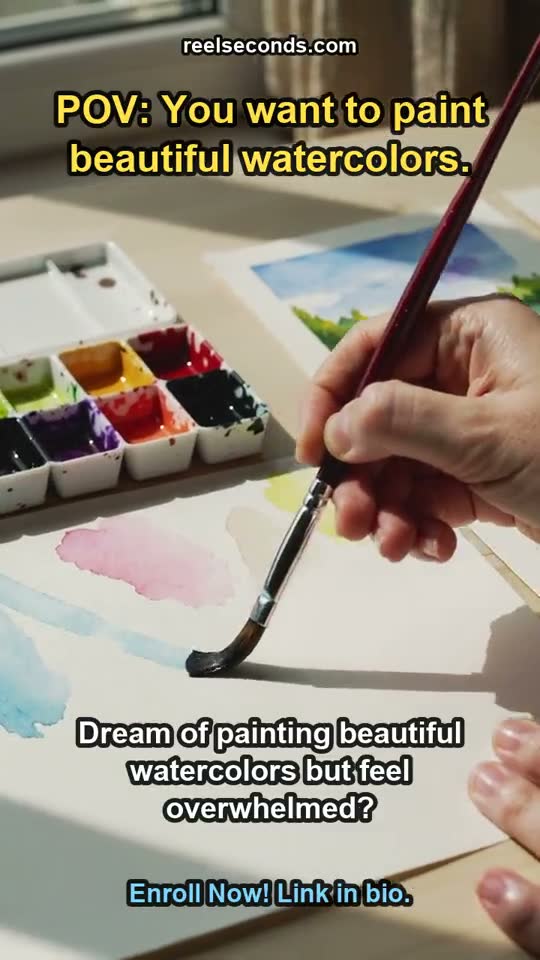
Solo creators generate an enrollment or launch reel that shows the vibe of the thing they teach, then A/B a few hooks to find the one that converts.
Local business promos
Restaurants, salons and studios generate a warm, on-brand reel for the week — a promo that would have meant hiring a videographer is now a prompt and 25 credits.
Faceless and volume channels
Channels that post daily care about cost per usable clip. Generating reels at a flat credit price makes a consistent cadence financially boring — exactly what a content pipeline wants.
Model specifications
| Model | Kling 2.6 (Kuaishou) — the model behind every reel |
|---|---|
| Format | Vertical 9:16 (16:9 and 1:1 also available) |
| Resolution | Native 1080p (fixed) |
| Durations | 5s or 10s per run |
| Mode | Text-to-video (image-to-video on its own page) |
| Cost | 25 credits per generation, shown on the button |
| Export | MP4 · watermark-free on paid plans |
| Free to start | 20 credits on sign-up |
Good to know
What is an AI reel generator? It is a text-to-video studio tuned for the vertical short-form format: you describe a scene and get a 9:16, 1080p clip sized for TikTok, Reels and Shorts. On ReelSeconds the render runs on Kling 2.6, the live model behind the MODEL chip on this page.
Why generate reels vertically? Because the platforms are vertical. A 9:16 clip fills the phone screen and reads as native content, where a cropped landscape clip wastes half the frame or letterboxes. Composing for 9:16 from the start keeps the subject centered and the hook readable at a glance.
How long is a generated reel? Each run is 5 or 10 seconds at 1080p. Five seconds is the sweet spot for a hook or a single-beat reel; for a longer edit, generate a few clips and stitch them together. Each generation is an independent 25-credit run.
Are the reels watermarked? Free-tier and preview runs may carry a watermark; watermark-free export unlocks on the first paid plan. The credit cost and export terms are shown before you generate, so there are no surprises at download.
Can I batch several reels? Yes — that is the intended workflow. At a flat 25 credits per run, generating five variations of a hook is a budgeting decision, not a gamble. Keep the strongest, remix it, and ship. Failed runs refund automatically.


A reel is a two-second bet on attention, and the only way to win it reliably is to try a few. Stage a hook in the studio above, keep it vertical, and let Kling 2.6 render the 9:16 clip you can post today.