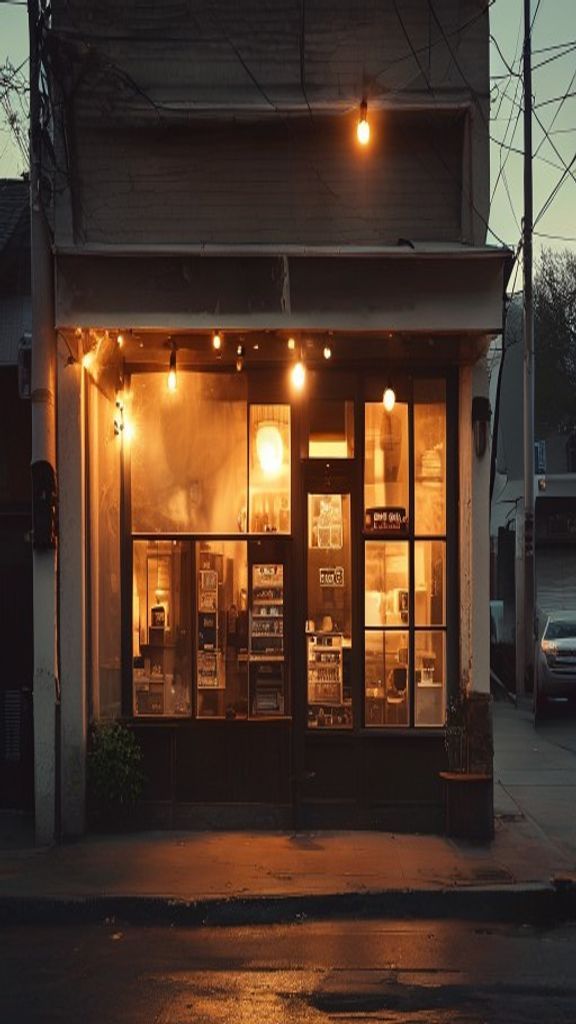
GPT Image 2 is OpenAI's production image model, and it earns its place as the finals model on the ReelSeconds roster. Where speed-first models excel at drafts, GPT Image 2 excels at the render you actually ship: dense detail, coherent typography, faithful style control, and resolution tiers that climb from 1K through 2K to 4K for print-adjacent work.
It runs in two modes here: text-to-image from a prompt, and image-to-image when you have a source composition to transform. On ReelSeconds a 1K render costs 2 credits with the studio live on this page — and because the roster is multi-model, the sensible workflow pairs it with the 1-credit Nano Banana for drafting before spending on the final.
GPT Image 2 specifications
| Developer | OpenAI |
|---|---|
| Provider model id | gpt-image-2 |
| Modes | Text-to-image · image-to-image |
| Resolutions | 1K · 2K · 4K |
| Aspect ratios | Auto · 1:1 · 16:9 · 9:16 · 4:3 · 3:4 |
| Cost on ReelSeconds | 2 credits per render |
| Output format | PNG |
| Failure policy | Failed runs auto-refund to your balance |
| Roster sibling (image) | Nano Banana — 1-credit volume model |
Getting the most out of GPT Image 2
- 1
Choose the mode for the job
Text-to-image builds from language alone. Image-to-image takes an uploaded source and re-renders it under your instruction — restyling, recomposition, or upscaling a draft into a finished piece.
- 2
Write structured prompts
GPT Image 2 parses long, structured prompts unusually well: lead with the subject, then composition, then style and light, then any text that must appear in the frame verbatim. It is one of the few models that reliably spells.
- 3
Match resolution to destination
1K covers social and web; 2K covers hero banners and covers; 4K exists for print-adjacent and zoom-tolerant work. The resolution knob appears because GPT Image 2 genuinely supports tiers — pick the one the output needs.
- 4
Generate, compare, refine
Run the prompt, read what the model misunderstood, and patch exactly that clause. Two or three focused revisions almost always beat ten scattershot rerolls — especially at finals pricing.
- 5
Ship it or feed the video pipeline
Download the PNG, or use it as the start frame for a Kling 2.6 image-to-video run — high-detail stills make conspicuously good opening frames.
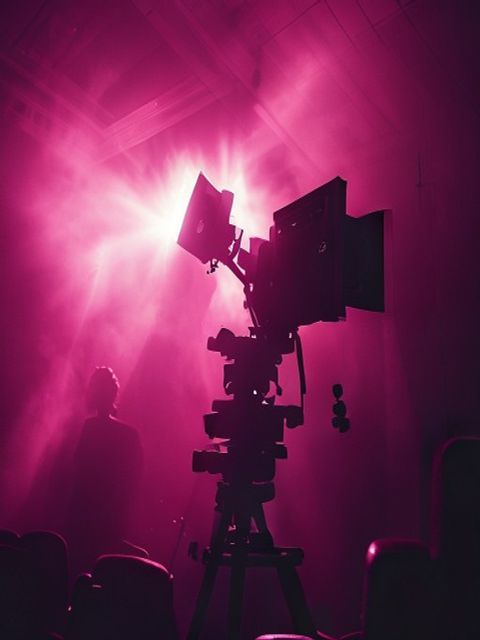
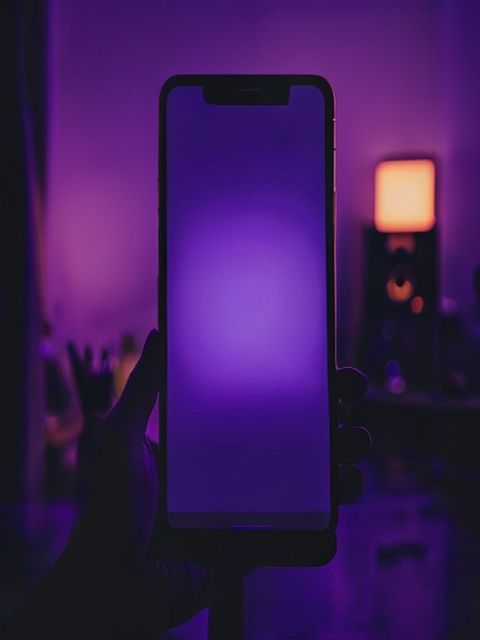
What creators run on GPT Image 2
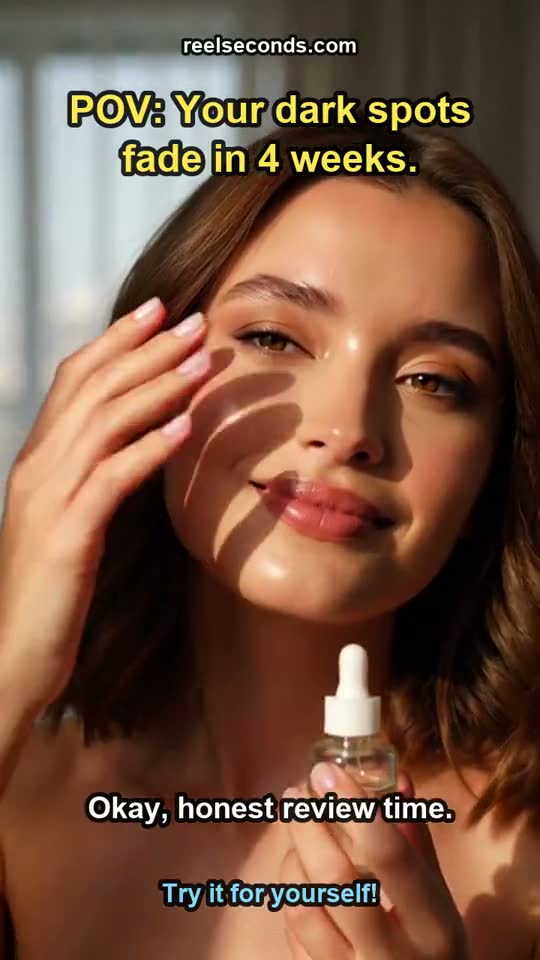
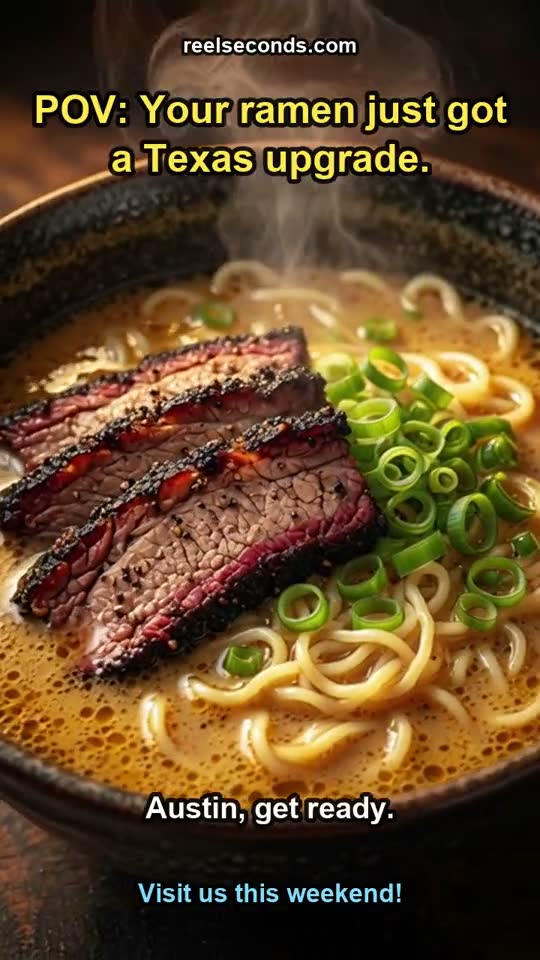
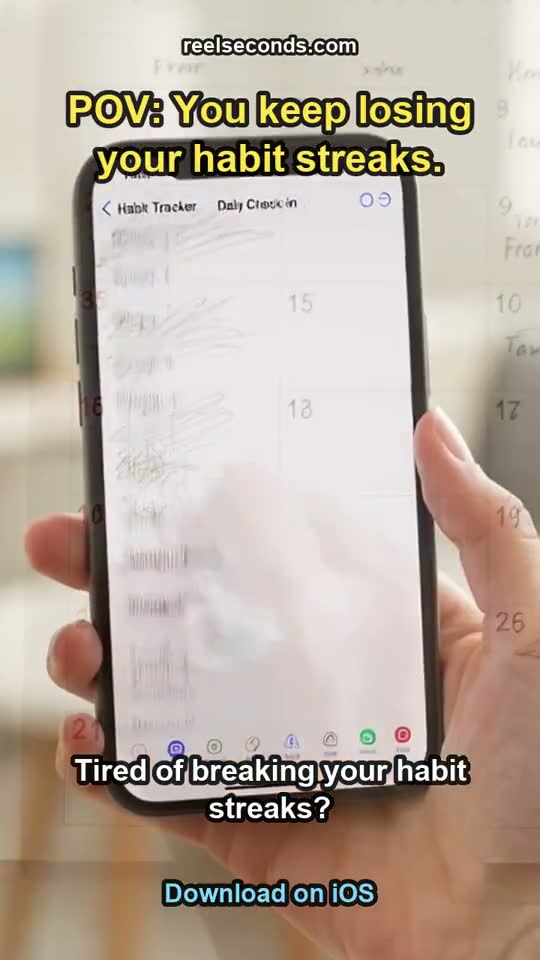
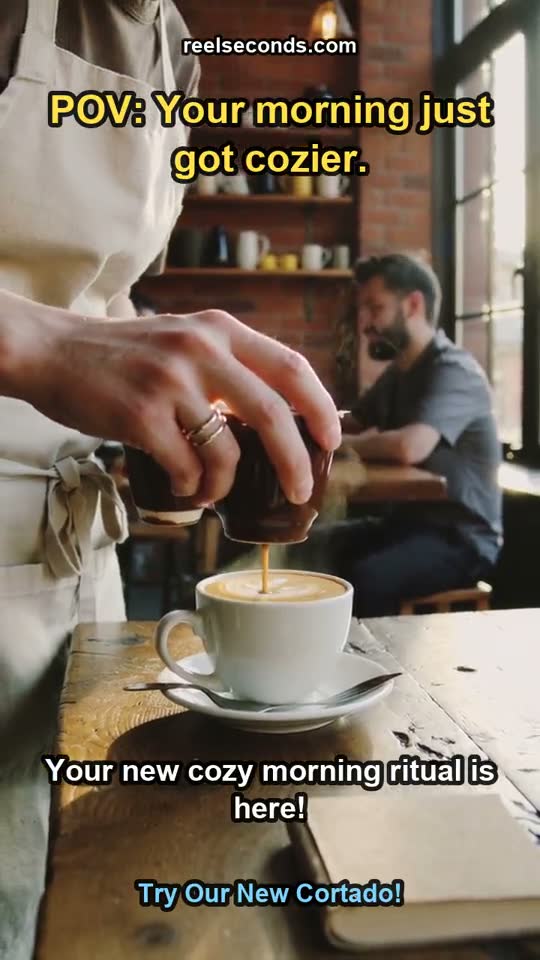
Marketing finals with real typography
Banner headlines, packaging mockups, UI-in-context shots — GPT Image 2 renders legible, correctly-spelled text inside the image, which removes the classic "fix the words in Photoshop" step from AI-assisted design.
High-detail hero images
Landing-page heroes and editorial leads need detail that survives a large viewport. The 2K tier renders texture and material fidelity that 1K-class models visibly lack at full-bleed sizes.
Image-to-image restyling
Take a product photo, a rough render or yesterday’s draft and re-render it under a new art direction while preserving the composition — image-to-image is a controlled transformation, not a lottery.
Premium video start frames
For image-to-video work where the opening frame carries the brand — ads, title cards, product reveals — a GPT Image 2 still gives Kling 2.6 the cleanest possible material to animate.
GPT Image 2 credit pricing
| One render (1K) | 2 credits |
|---|---|
| Starter — $9.99/mo (150 credits) | ≈ 75 images |
| Creator — $29/mo (500 credits) | ≈ 250 images |
| Top-up — $5 | 60 credits ≈ 30 images |
Two credits per render prices GPT Image 2 as the finals model: draft on the 1-credit Nano Banana, then spend double on the composition that deserves it. Sign-up credits cover your first renders, and failed jobs refund automatically — the ladder from draft to 4K final never charges you for a miss.
Good to know
What is GPT Image 2?
GPT Image 2 is OpenAI's dedicated production image model — the evolution of the image stack that debuted inside GPT-4o. It renders higher resolution tiers, holds typography more reliably, and behaves as a standalone model with its own text-to-image and image-to-image endpoints.
How much does GPT Image 2 cost here?
On ReelSeconds it is 2 credits per render — so the $9.99 Starter plan covers roughly 75 images a month and a $5 top-up about 30. That figure is read straight from our model cost map, the same number shown on the Create button before you generate.
When should I choose GPT Image 2 over Nano Banana?
Choose GPT Image 2 when the output is the deliverable: client finals, hero images, anything with in-image text, anything above 1K. Choose Nano Banana when the output is a stepping stone: drafts, thumbnails, volume batches, video start frames. Draft cheap, finish strong is the roster working as designed.
Can GPT Image 2 edit my existing image?
Yes — image-to-image mode takes an uploaded source plus an instruction and re-renders it: new style, adjusted composition, cleaned-up details. It preserves the structure of the source far more faithfully than re-prompting from scratch, which is what makes it usable for controlled revisions of real assets.
Is GPT Image 2 output safe for commercial use?
Paid-plan generations carry commercial usage on our side, and OpenAI provider policies apply upstream (no impersonation or restricted content — violating jobs fail and refund). For client work involving brand assets you upload, standard rights hygiene applies: you need the rights to the source before transforming it.
GPT Image 2 is the model you graduate to when the render matters — and at 2 credits it is a cheap graduation. The live studio is above: bring the draft, leave with the final.