Kling is Kuaishou's video generation line, and 2.6 is the tier ReelSeconds runs live: every job renders at native 1080p, subject identity holds through the full clip, and motion reads as weight and momentum rather than a floating drift. Whether you start from a prompt or a start frame, the same model handles it — text-to-video and image-to-video share the 1080p pipeline.
This page is the model reference: what Kling 2.6 actually is, what a run costs in credits, where it wins against its peers, and the fastest way to use it — which is the live studio embedded directly below. Newer families (Sora 2, Veo 3, Seedance 2.0) route into the same Model Routing selector and switch on the moment their endpoints land; Kling 2.6 is the price-performance anchor that carries the studio today.
Kling 2.6 specifications
| Developer | Kuaishou (Kling line) |
|---|---|
| Tier on ReelSeconds | v2.6 — always native 1080p |
| Provider model id | kling-2.6/text-to-video (image-to-video shares the pipeline) |
| Modes | Text-to-video · image-to-video |
| Durations | 5s or 10s per run |
| Aspect ratios | 16:9 · 9:16 · 1:1 |
| Resolution | Fixed 1080p — no resolution knob |
| Cost on ReelSeconds | 25 credits per generation |
| Failure policy | Failed runs auto-refund to your balance |
| Roster siblings | Sora 2 · Veo 3 · Seedance 2.0 (routing in) |
Running Kling 2.6 on ReelSeconds
- 1
Open the studio — no account needed to explore
The video studio is free to open and stage; the sign-up wall only appears when you press Create. Set your prompt, aspect ratio and duration before deciding to spend a single credit.
- 2
Choose text or image as your starting point
Text-to-video builds the scene from your description alone. Image-to-video takes a start frame and generates the motion — the stronger choice when a specific product, face or composition has to survive the clip intact.
- 3
Direct the shot in the prompt
Kling 2.6 reads camera language. Name the subject, the single action, the camera move and the light — "slow dolly-in on a ceramic vase, morning window light, shallow focus" beats a paragraph of adjectives every time.
- 4
Pick 5s or 10s and generate
A run costs 25 credits and delivers 1080p in your chosen aspect ratio. Credits freeze when the job starts and refund automatically if the render fails — you never pay for a dead run.
- 5
Download or remix
Finished clips download as MP4. Any reel in the gallery can be remixed straight back into the studio with its prompt pre-filled, so a shot you like becomes the seed for the next variation.

What creators run on Kling 2.6



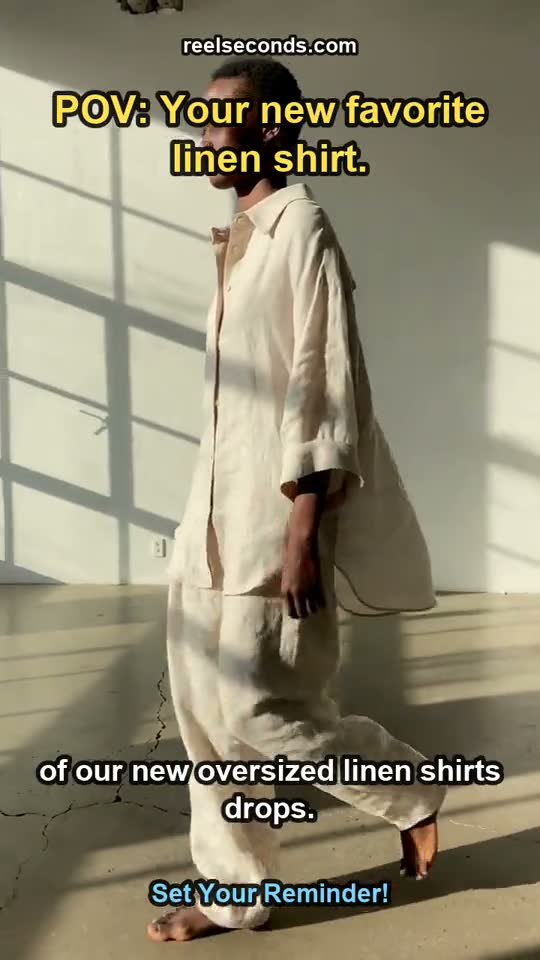
Vertical hooks for TikTok and Reels
The 9:16 frame plus honest motion physics is the recipe for scroll-stopping openers. A 5-second run is exactly hook-length, so creators batch several variants and A/B them the same day.
E-commerce listings that move
Feed a hero packshot into image-to-video and Kling 2.6 rotates, glints and floats the product while keeping label text legible — listing pages and ads get motion without a studio booking.
Animatics from storyboards
Run storyboard frames through image-to-video to test whether a composition survives camera movement — a 25-credit answer to a question that used to cost a pre-vis contractor a day.
B-roll nobody else has
Stock libraries are finite; prompts are not. Editors generate the exact cutaway a script needs — "rain on a neon-lit window, slow rack focus" — instead of settling for the closest stock clip.
Kling 2.6 credit pricing
| One generation (1080p, 5s or 10s) | 25 credits |
|---|---|
| Starter — $9.99/mo | 150 credits ≈ 6 Kling runs |
| Creator — $29/mo | 500 credits ≈ 20 Kling runs |
| Pro — $79/mo | 1,500 credits ≈ 60 Kling runs |
| Top-up — $5 | 60 credits, stacks with any plan |
Pricing is per generation, not per seat: a Kling 2.6 run is 25 credits whether it is your first render or your five-hundredth. Sign-up includes 20 free credits so the first test costs nothing, and because failed runs refund automatically, your balance only ever pays for footage that actually rendered.
The 25-credit figure is the studio cost read straight from our model map — not a marketing number. When Sora 2, Veo 3 and Seedance switch on, each publishes its own per-run credit price the same way, and one subscription covers them all.

Good to know
What makes Kling 2.6 a good default?
It renders every job at native 1080p with no resolution knob to mis-set, holds subject identity across the clip, and produces motion with real weight — objects that fall, rotate and settle believably. That combination is why it carries the ReelSeconds video studio while the rest of the roster wires in.
Is Kling 2.6 better than Veo 3 or Sora 2?
They trade blows by scene type. Kling 2.6 is consistently strong on physical motion and is cheaper per run; Veo 3 leads on cinematic audio-visual polish and 4K, and Sora 2 on long coherent scenes. The honest answer is to run the same prompt across models — which is exactly what a multi-model roster is for, and why those models route into the same selector here.
Can I turn an image into a video?
Yes. Switch to the Image to Video tab, drop in a start frame, and describe the motion. Kling 2.6 animates your frame while keeping the subject stable — ideal when you already have a hero composition and want it to move without losing the details that matter.
How long does a generation take?
Most runs land in one to three minutes depending on load. The studio returns the finished clip inline when it settles; if the provider fails a job, the credits bounce back to your balance automatically rather than charging you for a render that never arrived.
Do I need my own Kling API key?
No. ReelSeconds holds the infrastructure relationship; your subscription credits are the only metering you touch. You pick the model, type a prompt, and the credit price is shown on the Create button before you commit.
Kling 2.6 is the workhorse of the ReelSeconds roster for a reason: 1080p output, honest physics and a 25-credit price that makes iteration painless. The studio above runs the real model — stage a prompt and see for yourself.