
Nano Banana is Google's lightweight, speed-optimized image model from the Gemini image family — the pitch is speed with taste: renders back in seconds while holding prompt fidelity and clean text handling. On ReelSeconds it runs live at one credit per image, the cheapest generation on the roster.
That price point changes how you use it: it is the model for volume, for thumbnail drafts, for trying ten compositions before lunch, and — paired with Kling 2.6 image-to-video — for manufacturing the exact starting frame a video needs. Draft here for a credit, graduate the winner to GPT Image 2 for finals, or animate it in the video studio.
Nano Banana specifications
| Developer | Google (Gemini image family) |
|---|---|
| Provider model id | nano-banana |
| Modes | Text-to-image |
| Aspect ratios | Auto · 1:1 · 16:9 · 9:16 · 4:3 · 3:4 |
| Speed | Seconds-class rendering |
| Resolution | Flat single quality — no resolution tier |
| Cost on ReelSeconds | 1 credit per image |
| Failure policy | Failed runs auto-refund to your balance |
| Roster sibling (image) | GPT Image 2 — 2-credit finals model |

Generating with Nano Banana
- 1
Open the image studio — free to explore
Nano Banana runs in the live ReelSeconds image studio, one click from this page. Browsing and staging a prompt costs nothing; the sign-in wall only appears at the Create press.
- 2
Describe the image plainly
Nano Banana rewards concrete, declarative prompts: subject, setting, style, light. It is notably literal-minded — say what should be in the frame and it puts it there, including short pieces of legible text.
- 3
Set the aspect ratio for the destination
Square for posts and avatars, 16:9 for covers, 9:16 when the image is destined to become a vertical video frame. Ratio is a first-class parameter, not a crop applied after the fact.
- 4
Generate and iterate cheaply
At one credit per image, iteration is nearly free — generate five variants, keep the best, and refine the prompt rather than engineering one perfect prompt up front.
- 5
Send the winner to video
Any Nano Banana output can become the start frame of a Kling 2.6 image-to-video run — generate the perfect still here, then animate it in the video studio. That two-step is the cheapest photo-to-video pipeline there is.
What creators run on Nano Banana
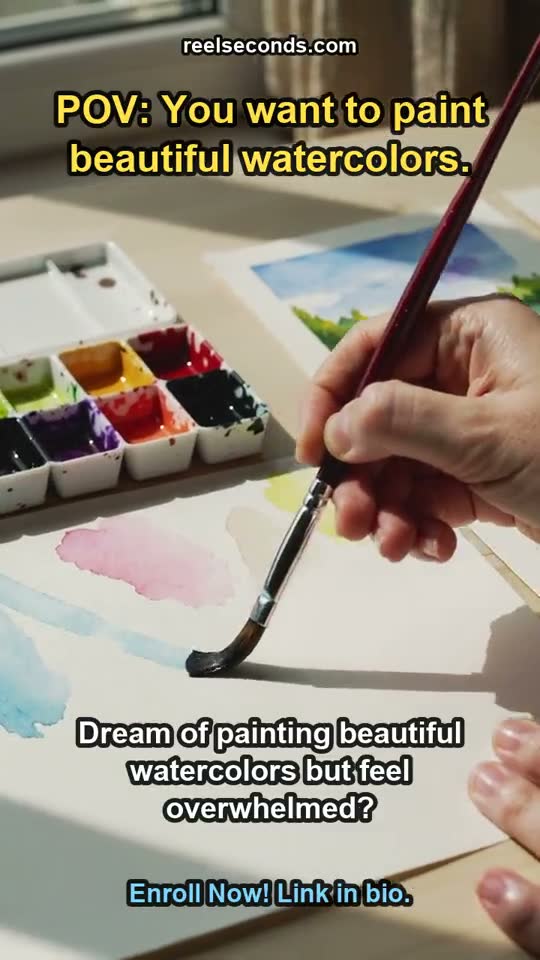


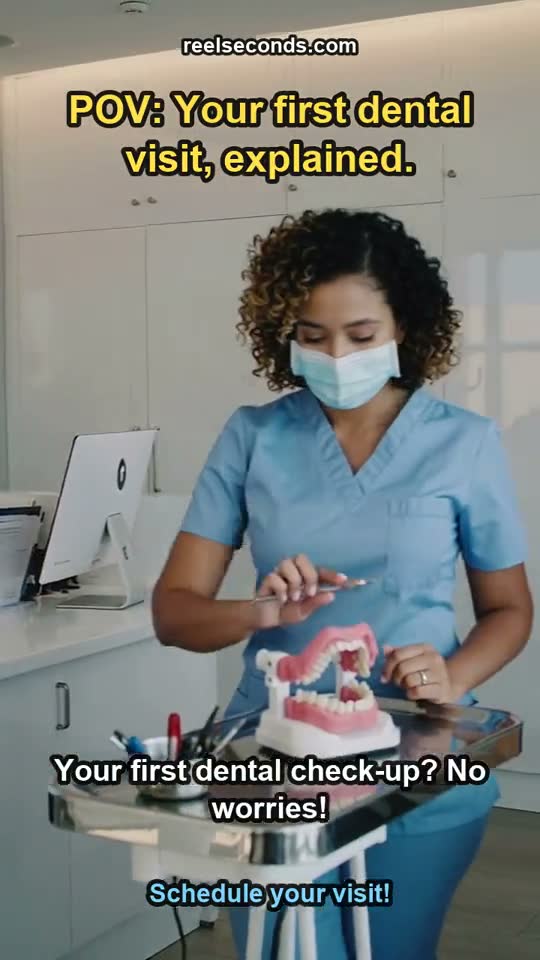
Thumbnails and covers at volume
YouTube and blog thumbnails are a numbers game — at one credit each you can render every title variant you are considering and let the packaging decide, instead of paying heavyweight-model prices for drafts.
Custom video start frames
Image-to-video is only as good as its input frame. Nano Banana manufactures the exact composition you want to animate — right subject, right ratio, right light — for one credit before Kling 2.6 spends its credits animating it.
Social carousels and content series
A consistent prompt template plus cheap generation makes ten-slide carousels practical: same style descriptor, ten subject swaps, ten credits, done.
Concept boards before committing
When a brief needs three visual directions by tomorrow, speed beats ceremony: Nano Banana fills a moodboard in minutes, and the surviving direction can graduate to GPT Image 2 at 2K/4K for finals.
Nano Banana credit pricing
| One image | 1 credit |
|---|---|
| Starter — $9.99/mo (150 credits) | ≈ 150 images |
| Creator — $29/mo (500 credits) | ≈ 500 images |
| Top-up — $5 | 60 credits ≈ 60 images |
One credit per image makes Nano Banana the volume model of the roster — a Starter month is an image every other waking hour. Free sign-up credits cover your first batch outright, and failed generations refund automatically, so the balance only pays for pixels that arrived.
Good to know
What exactly is Nano Banana?
Nano Banana is Google's lightweight, speed-optimized image generation model from the Gemini image family. It trades the maximum-fidelity ceiling of heavyweight models for near-instant renders, strong prompt adherence, and clean handling of short text, at a fraction of the cost.
Is there a Nano Banana video generator?
Nano Banana itself is an image model — it does not output video. The working photo-to-video pipeline is two steps: generate your frame with Nano Banana (1 credit), then animate it with Kling 2.6 image-to-video. Both steps run on ReelSeconds, and the image-to-video page walks the full flow.
How is Nano Banana different from GPT Image 2?
Speed and price versus ceiling. Nano Banana renders in seconds at 1 credit and is ideal for drafts, thumbnails and volume work; GPT Image 2 costs 2 credits, offers 1K/2K/4K tiers, and produces richer detail for finals. A common workflow drafts on Nano Banana and re-renders the chosen composition on GPT Image 2.
Why does Nano Banana have no resolution knob?
Because it is a flat-priced, single-quality model — there are no tiers to choose, so the studio honestly shows no resolution selector for it. A control the model does not support would be a fake control; the knob only appears for models like GPT Image 2 that actually expose tiers.
Why did my generation cost nothing?
Two possibilities: sign-up grant credits covered it, or the run failed and auto-refunded. Credits freeze at job start and only settle when the image delivers — a provider-side failure returns the credit to your balance without you asking.
Cheap, fast and better than it has any right to be — Nano Banana is the model you reach for first and the one that quietly does most of the volume. The live studio is above: one credit says the next thumbnail you ship comes out of it.